
Walkthrough
From an empty quickstart to a running service — a team, a cluster, an environment, a database, a cache, and a component wired to them, all through the Portal.
This page takes the quickstart from empty to a service running in its cluster, with the database and the cache it needs, every step through the Portal. Along the way it builds what a real platform team builds first: the recipe for an environment, the environment itself, and the recipes teams build on.
By the end you will have:
- a team, Checkout Squad, with a new member who accepted her invitation by email;
- the quickstart's own cluster registered as an execution target;
- an environment,
northwind/dev, built on that cluster from a landing zone that installs the PostgreSQL and Redis operators and gives each slot its own namespace, quota and PostgreSQL cluster; - a database and a cache, provisioned in that environment from what it says it provides;
- a component,
checkout/cart-service, released into the environment and handed where its database and cache are — without anybody typing an address.
The charts used throughout are Northwind's, the sample organisation's, published at
ghcr.io/lembosproj/northwind/charts. Every screen below is from a real run.
It runs on its own, too
This walkthrough is also a test. In the deploy repository,
aspire/Lembos.Deploy.Walkthrough/run.sh --fresh wipes the quickstart and does everything on this page through
the Portal, then checks the result in the cluster — in about fifteen minutes. It is how these screenshots are
made.
Before you start
Start the quickstart and sign in as [email protected], as the quickstart describes. Start
from a fresh one: the walkthrough creates every name it uses.
1. Bring in a team
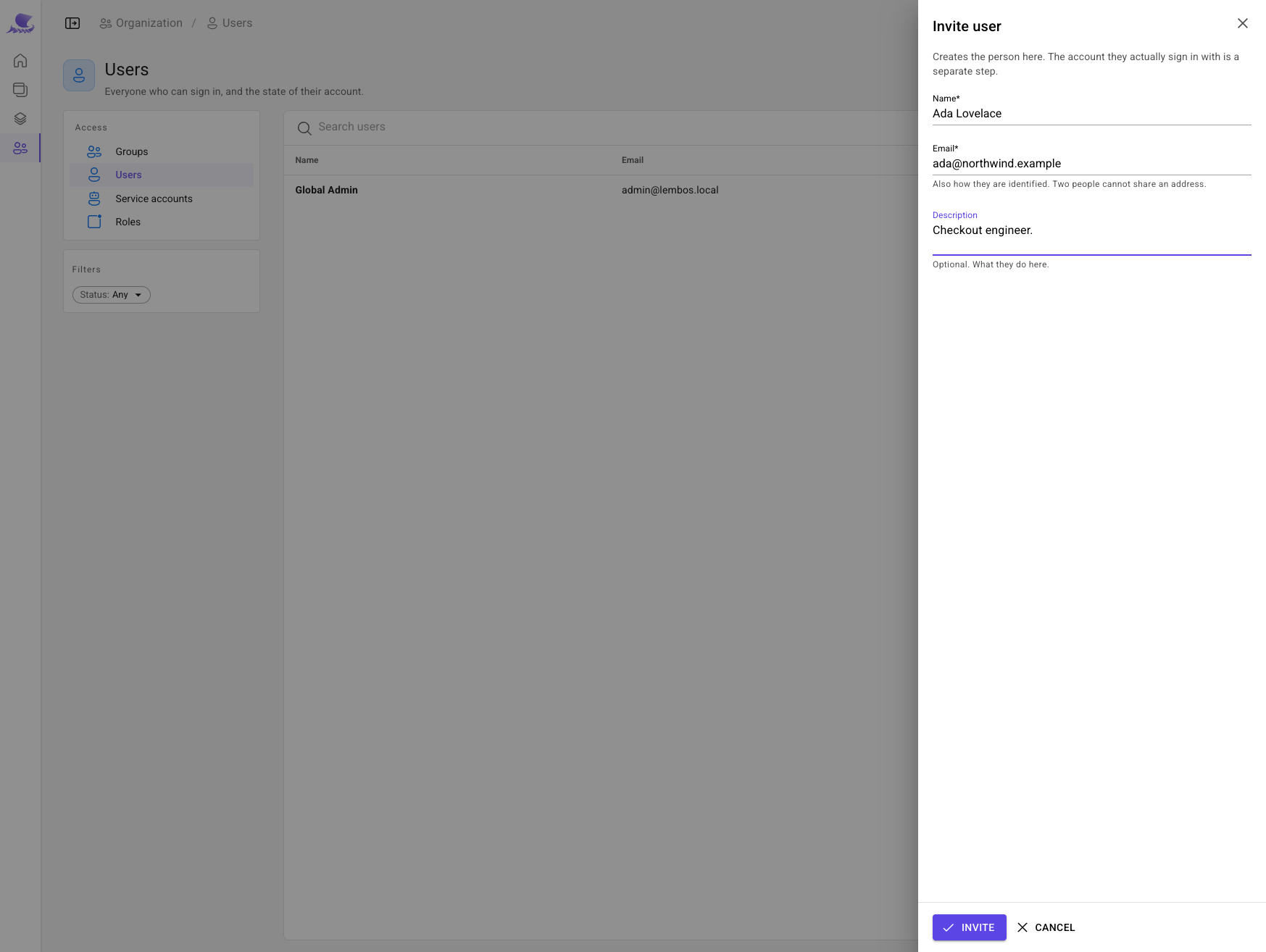
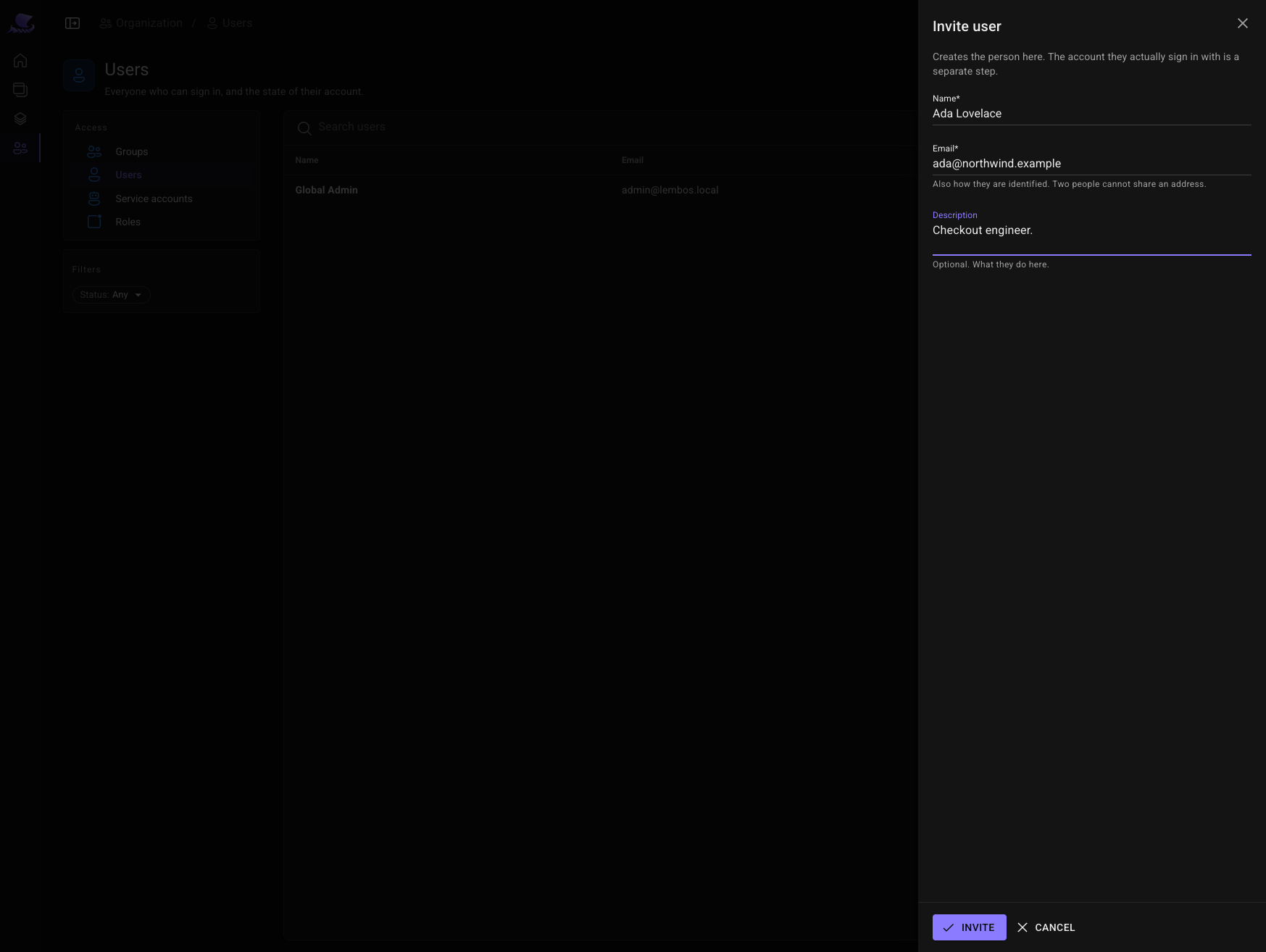
Under Organization → Users, Invite user creates the person. The account they sign in with is theirs to activate.
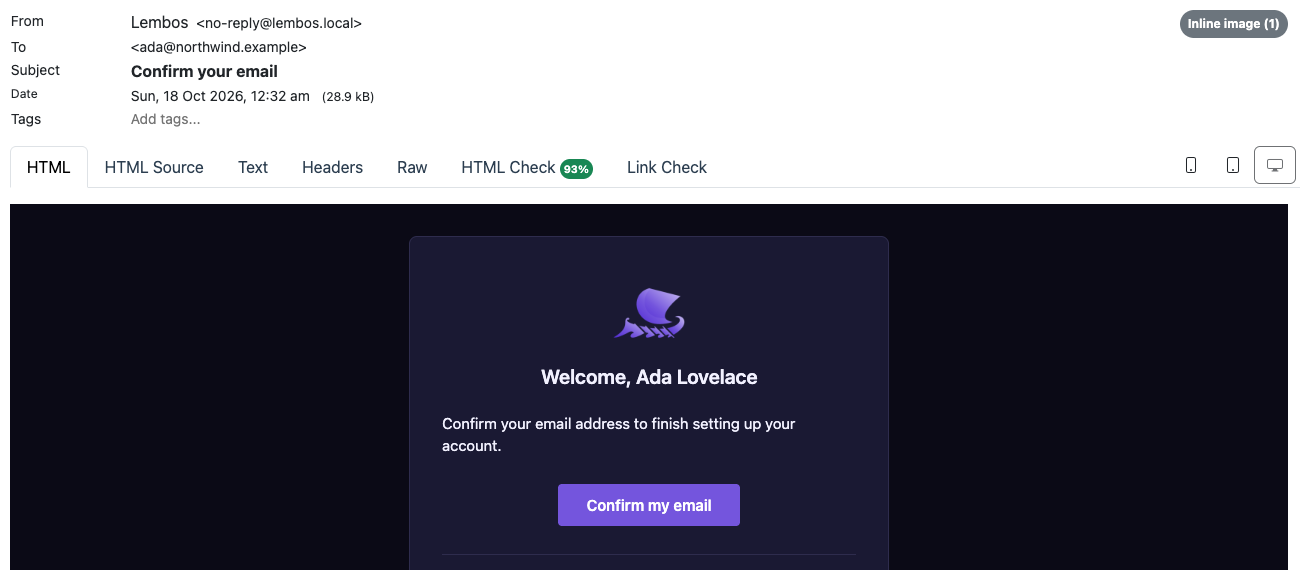
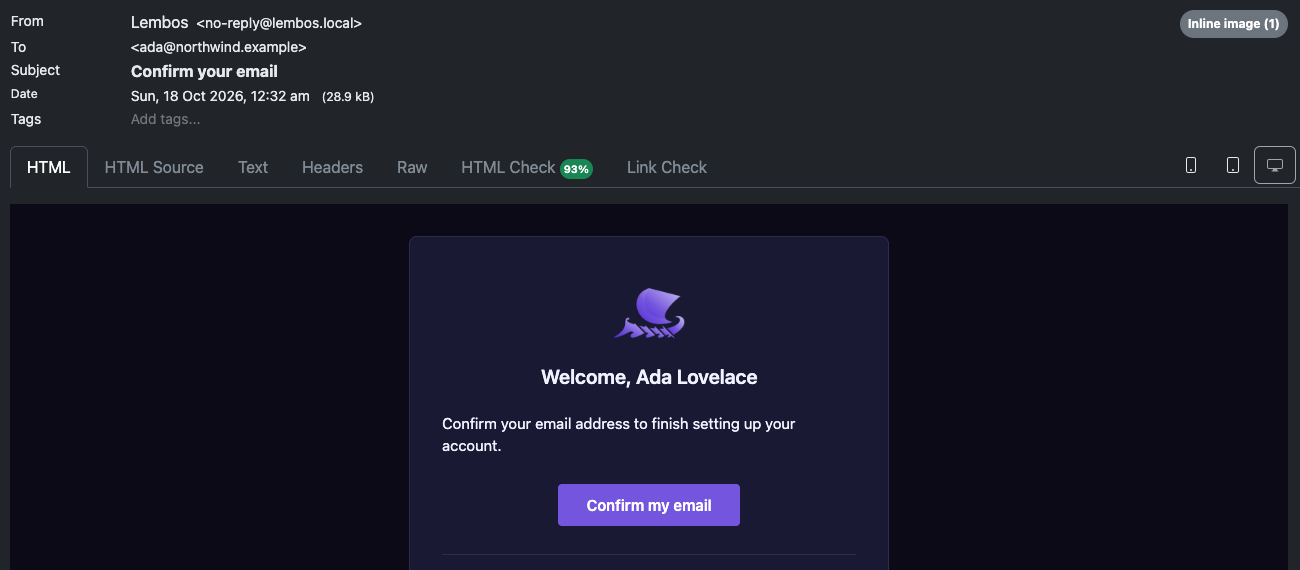
The invitation lands in the quickstart's mail catcher — the mailpit resource in the Aspire dashboard. Nothing
leaves your machine.
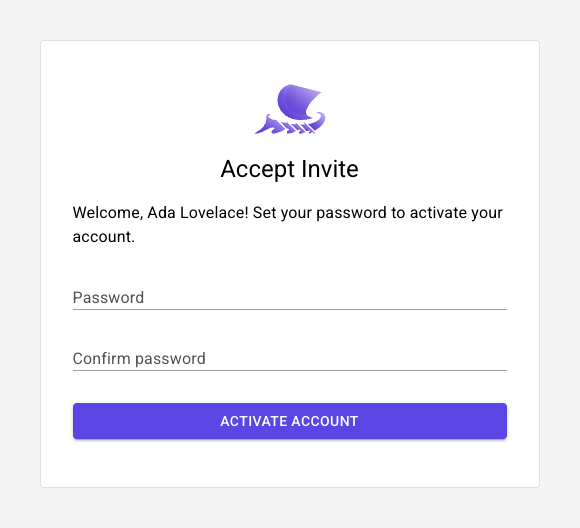
Its link opens Identity, where she sets her password and the account becomes active.
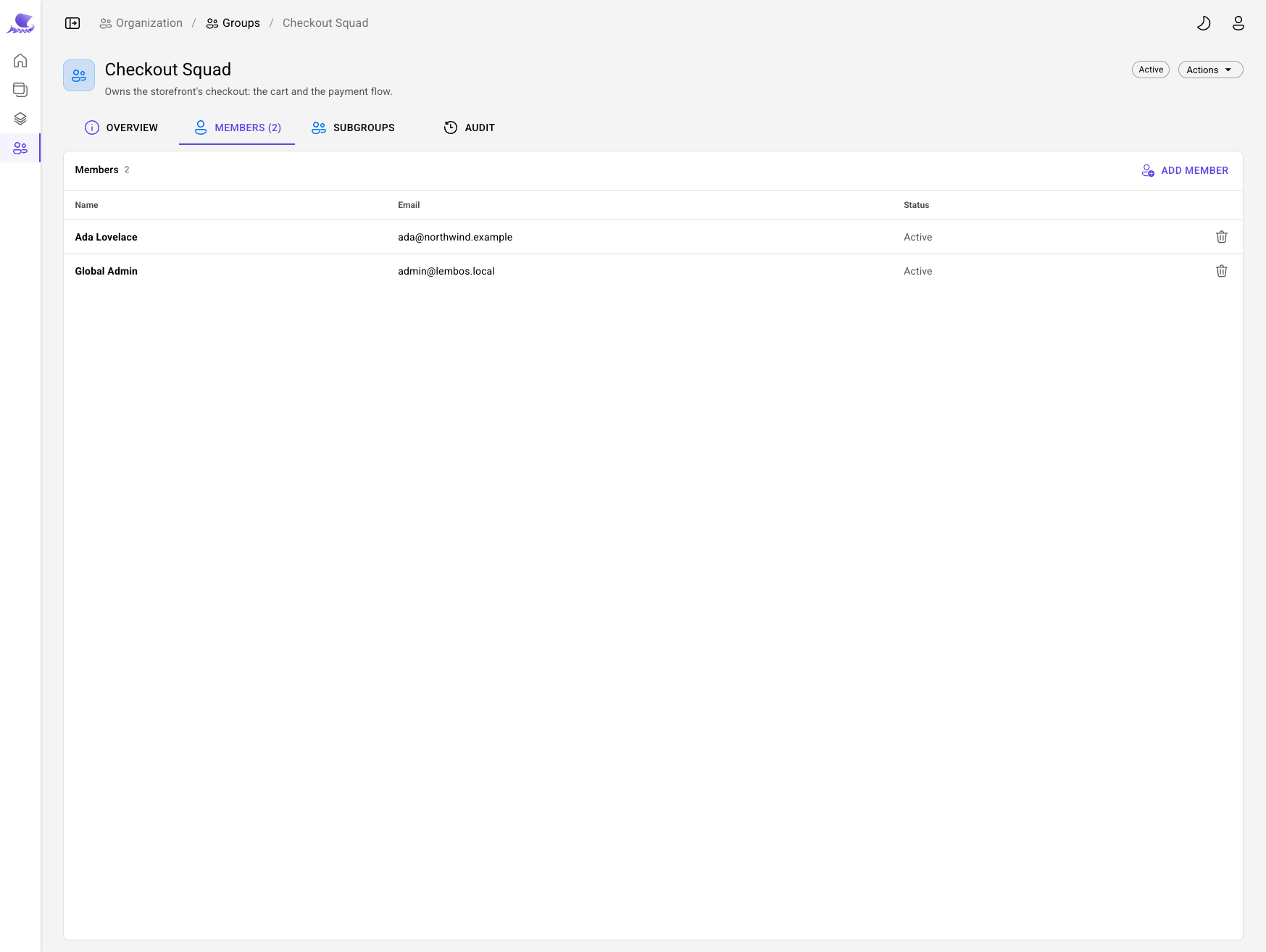
Under Organization → Groups, create Checkout Squad, then Add member for Ada and for yourself. A group owns what its members build, and you will act on the squad's work for the rest of this page.
2. Register the cluster
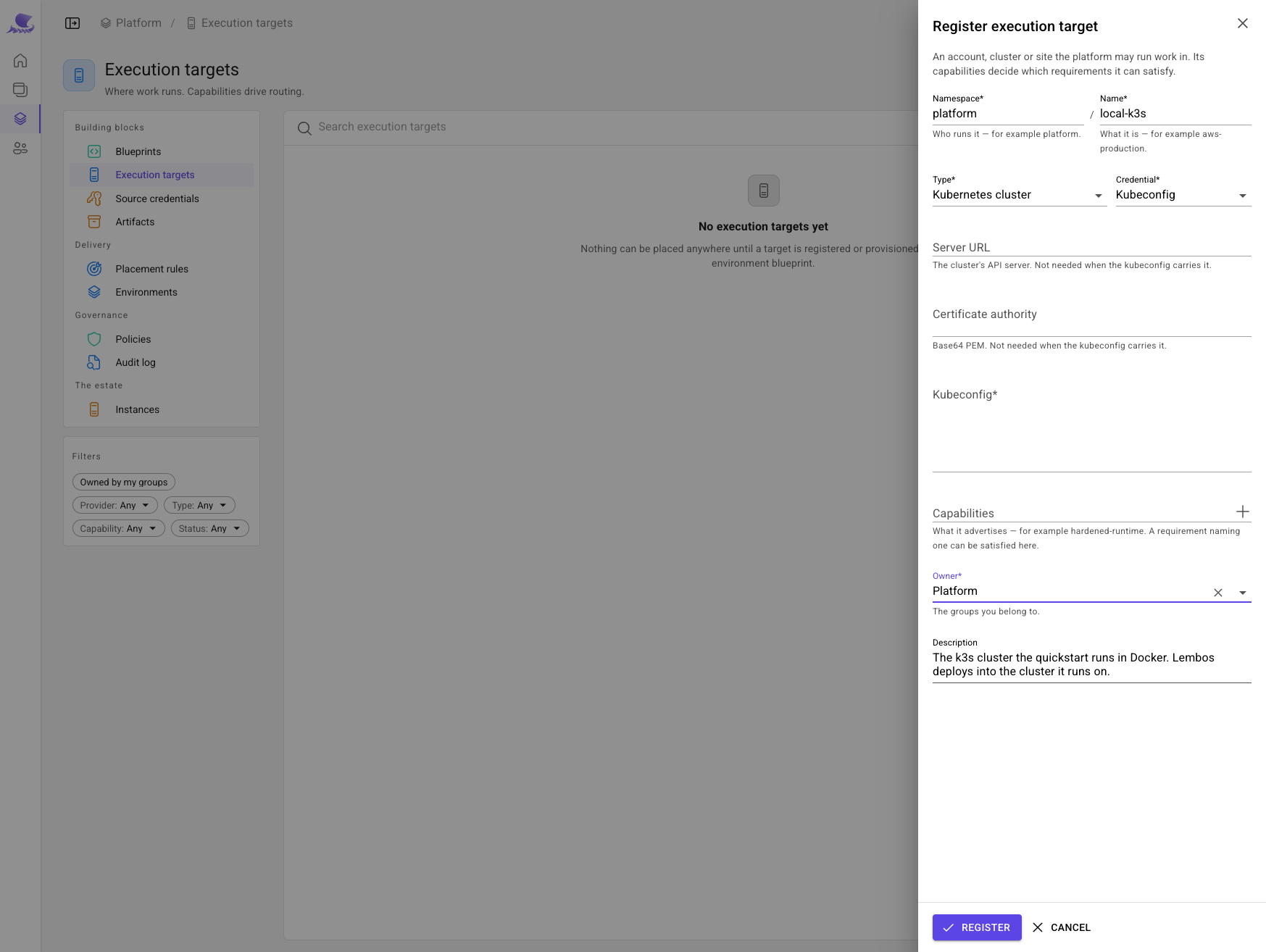
Lembos deploys into execution targets — clusters and cloud accounts it holds a credential for. Here the target is the cluster the quickstart runs in.
Under Platform → Execution targets, Register target: a Kubernetes cluster, reached with a
Kubeconfig, owned by Platform. Paste the kubeconfig the platform's own pods reach the cluster with — the
quickstart writes it to aspire/Lembos.Deploy.AppHost/.k3s/k3s/container/kubeconfig.yaml. It addresses the API
server as k3s:6443; the one under local/ says 127.0.0.1, which is your machine, not the pod's.
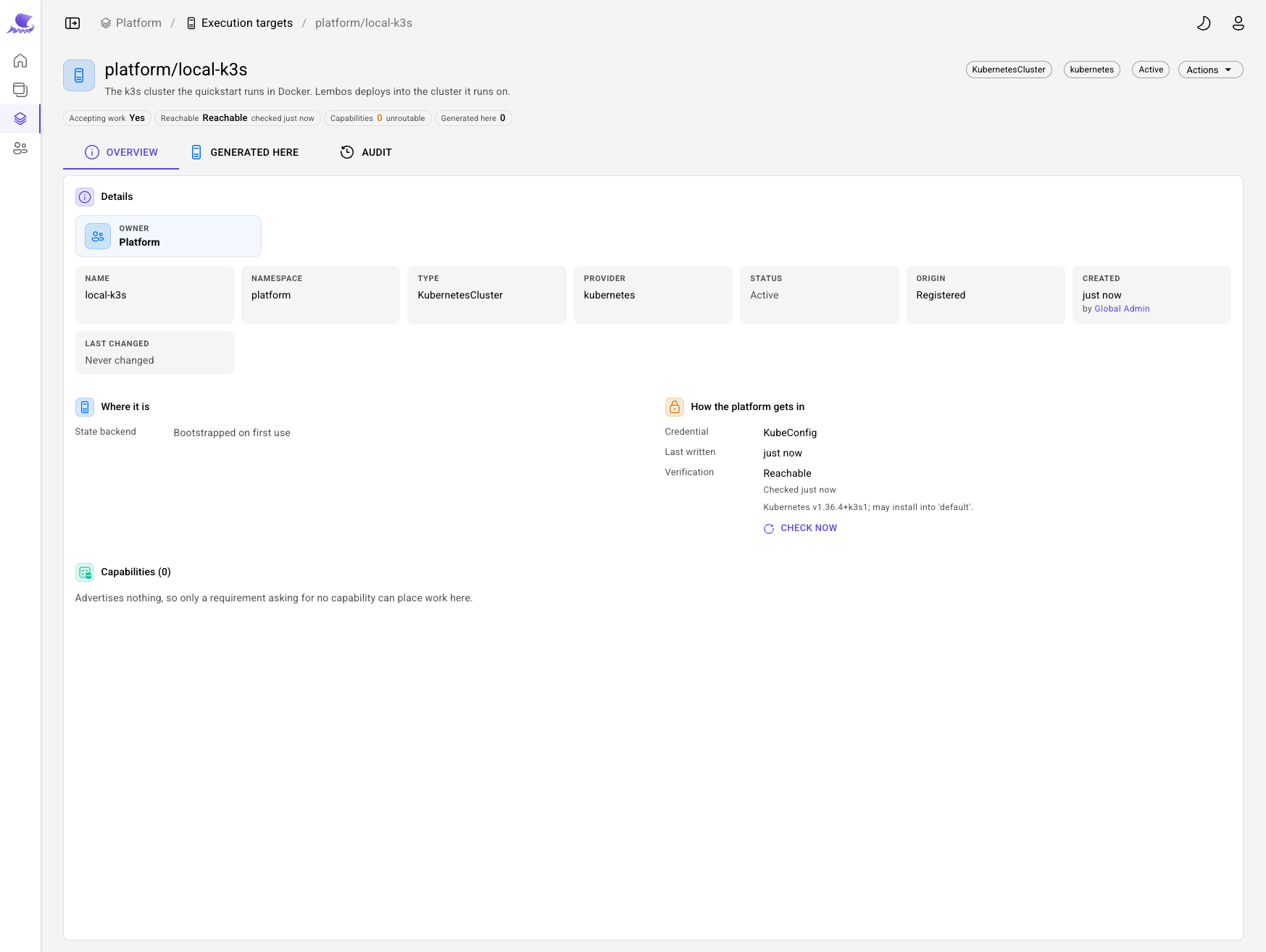
The platform checks it at once.
3. Write the environment's recipe
A blueprint is a versioned recipe. An environment blueprint builds an environment: here, a level shared by the whole environment and a level built again at every slot — a region, a market, a tenant.
Under Platform → Blueprints, New blueprint: platform/cluster-landing-zone, an Environment blueprint,
provisioned with Helm, owned by Platform.
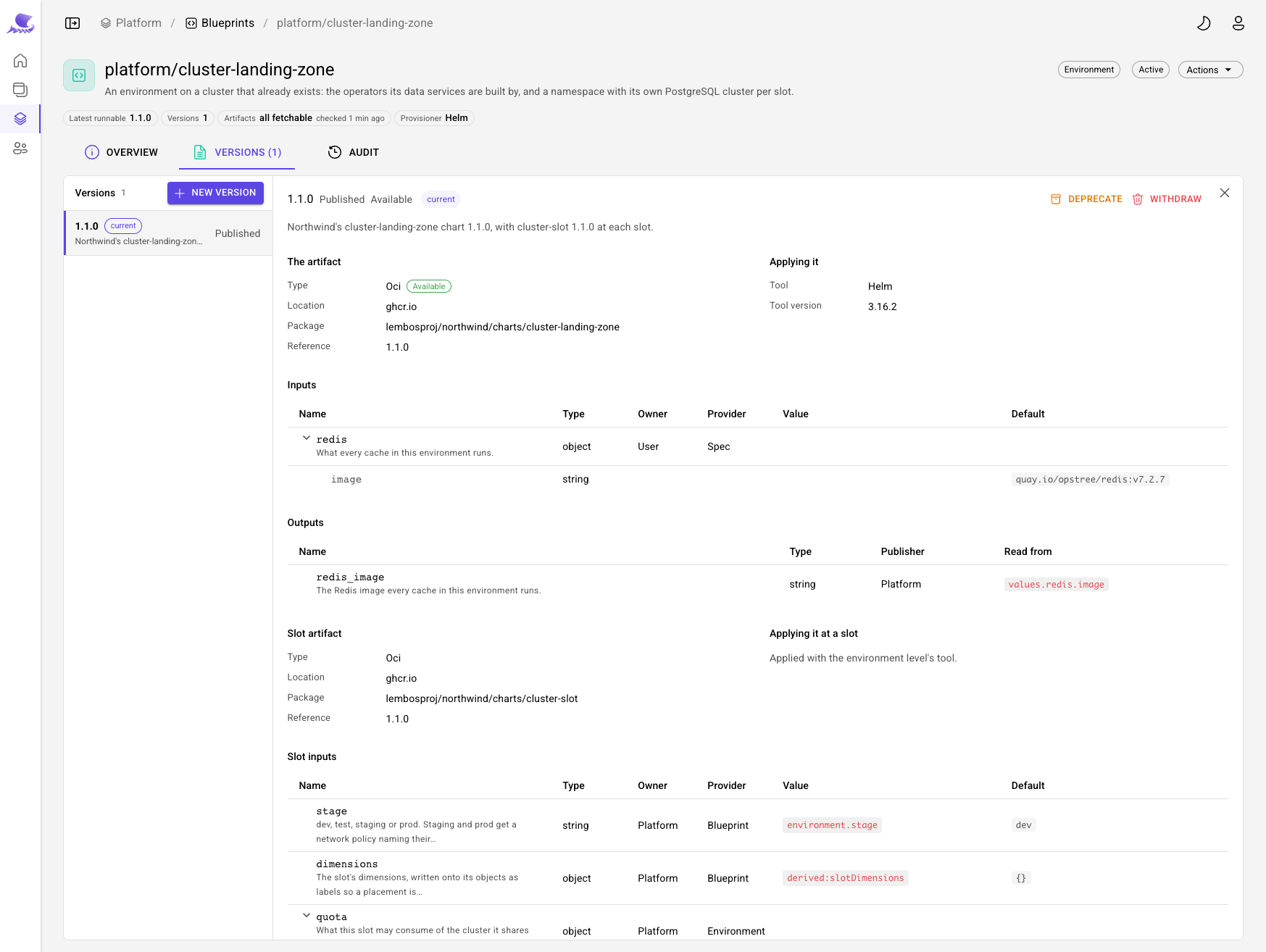
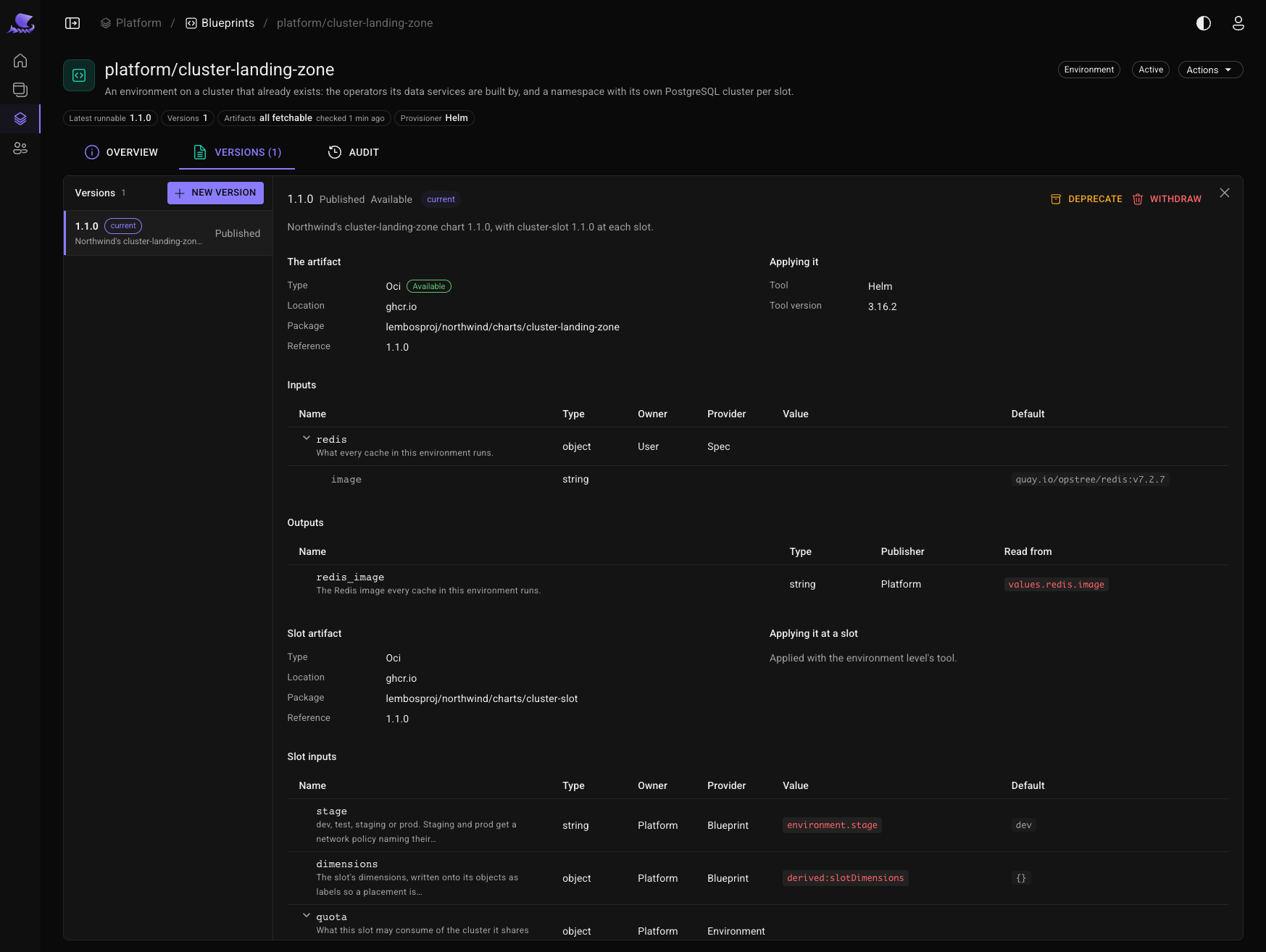
On its Versions tab, start version 1.1.0:
- The artifact — Northwind's
cluster-landing-zonechart,1.1.0, fromghcr.io. It installs the CloudNativePG and Redis operators. - Applying it — Helm, pinned to
3.16.2, so the recipe applies the same way a year from now. - The slot level — the
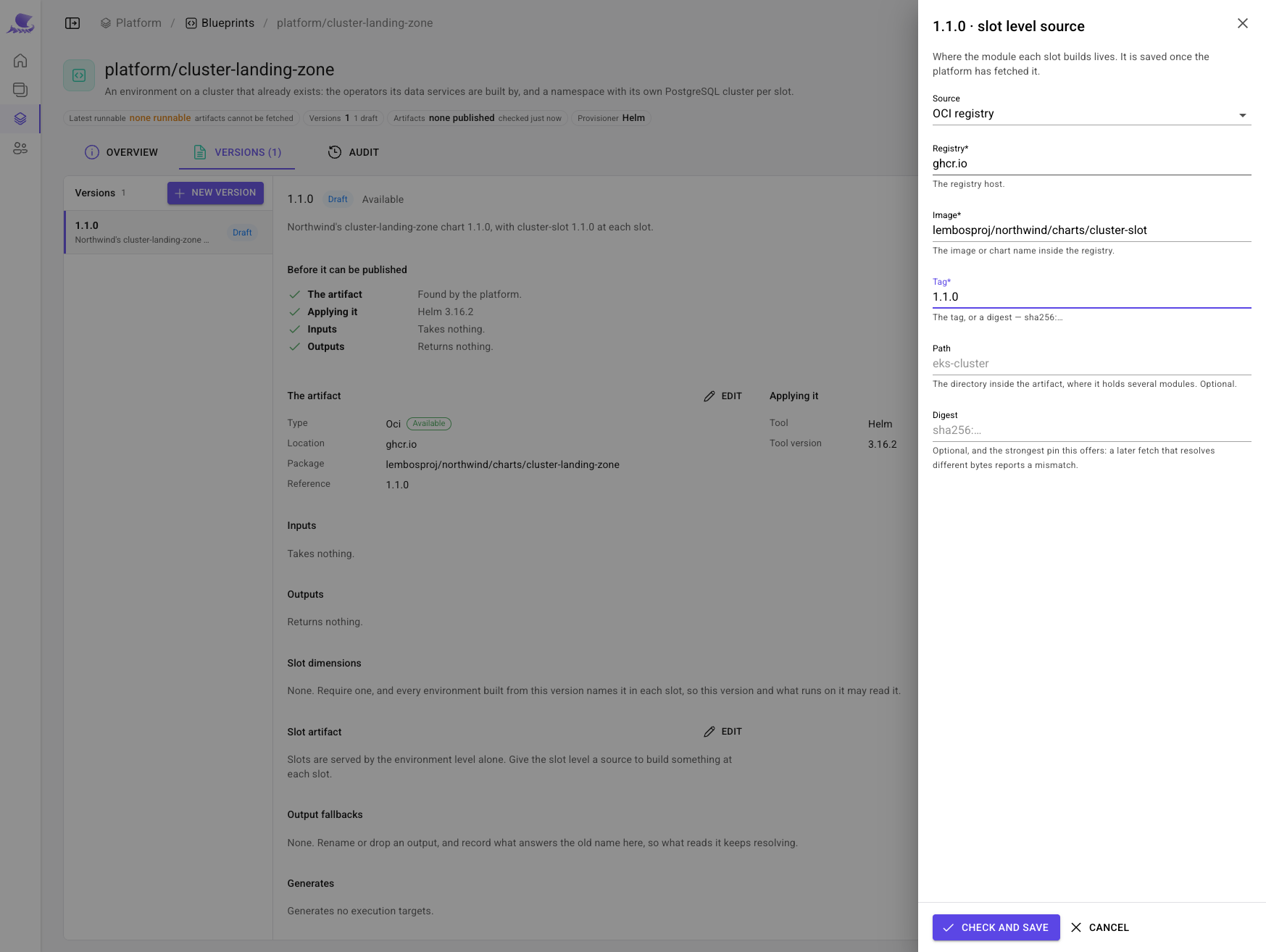
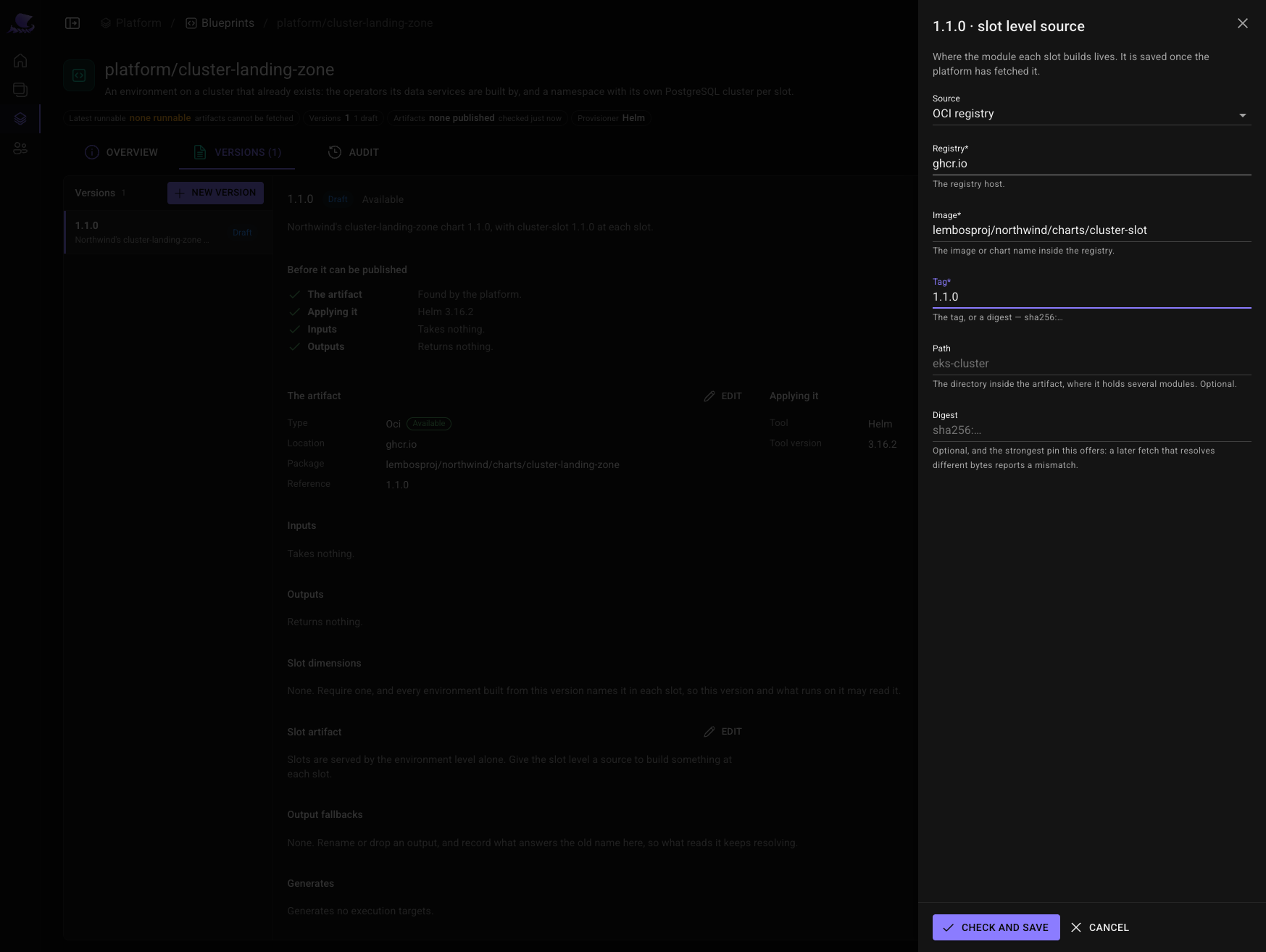
cluster-slotchart at the same version: each slot's quota, network policy, workload identity, and its own PostgreSQL cluster.
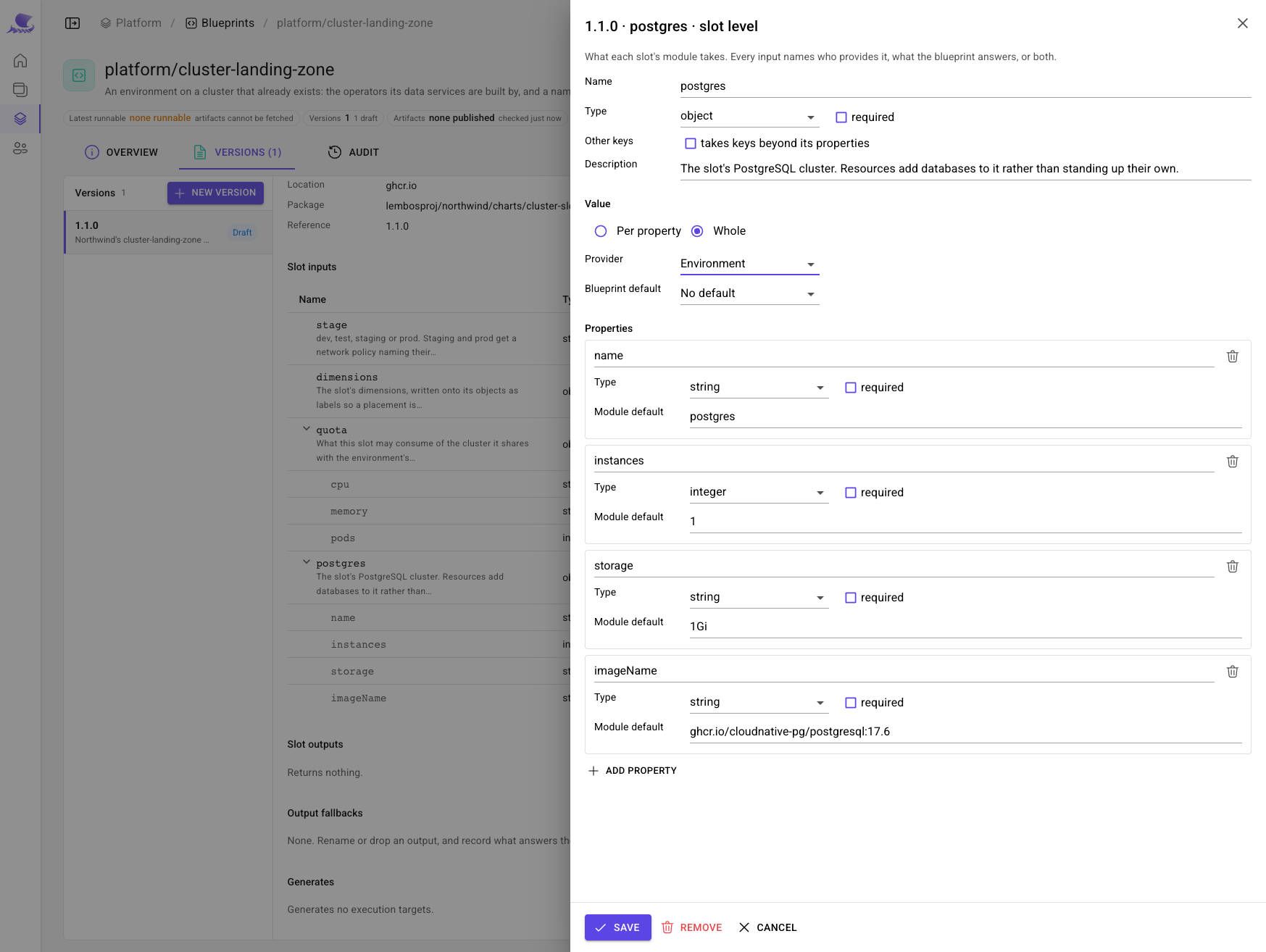
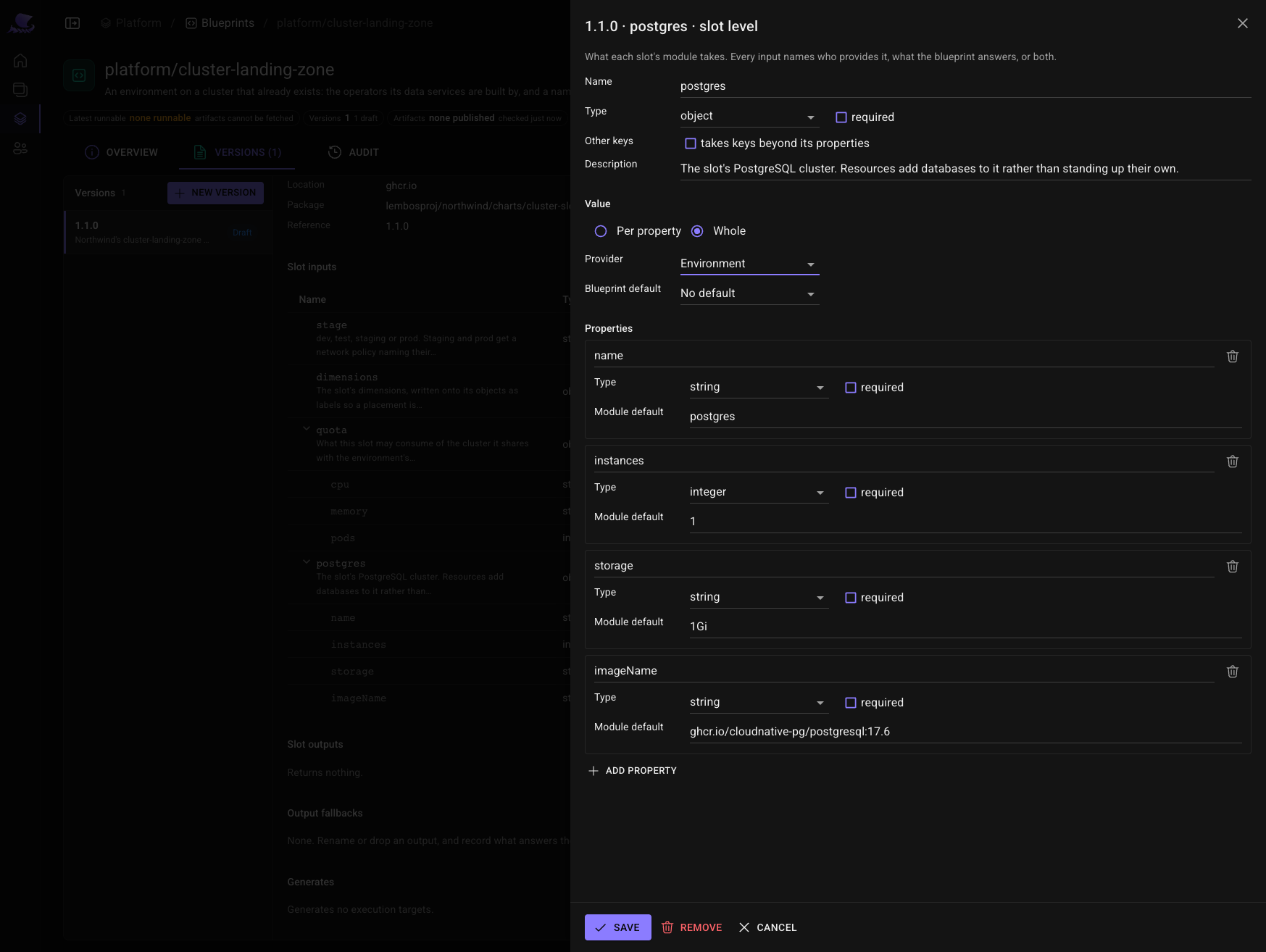
Import from source reads each chart's inputs from its values. The environment level keeps one, redis: the
image every cache runs. At the slot level, the blueprint answers stage and dimensions itself, from the
environment, and leaves quota and postgres to each environment to say.
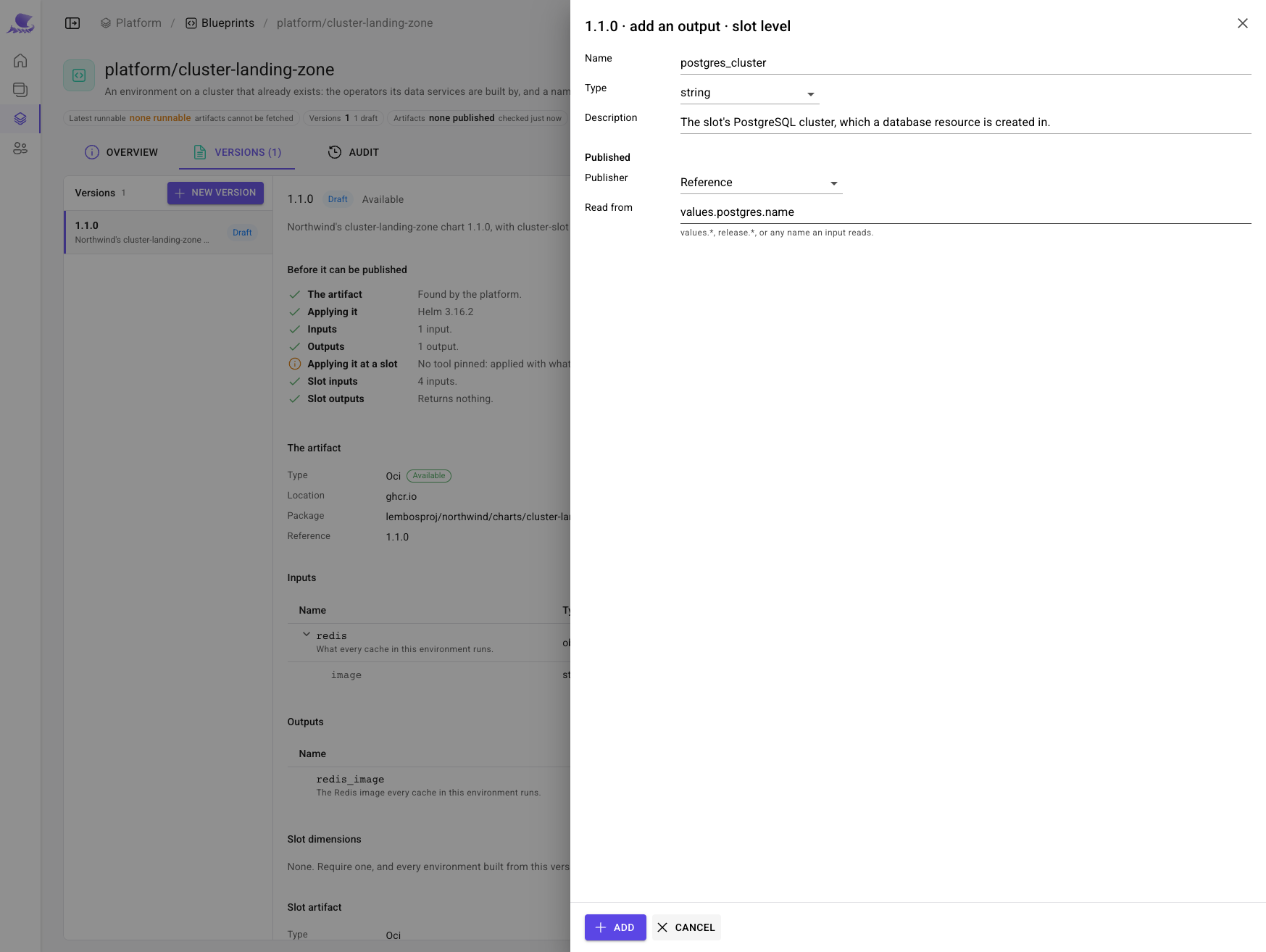
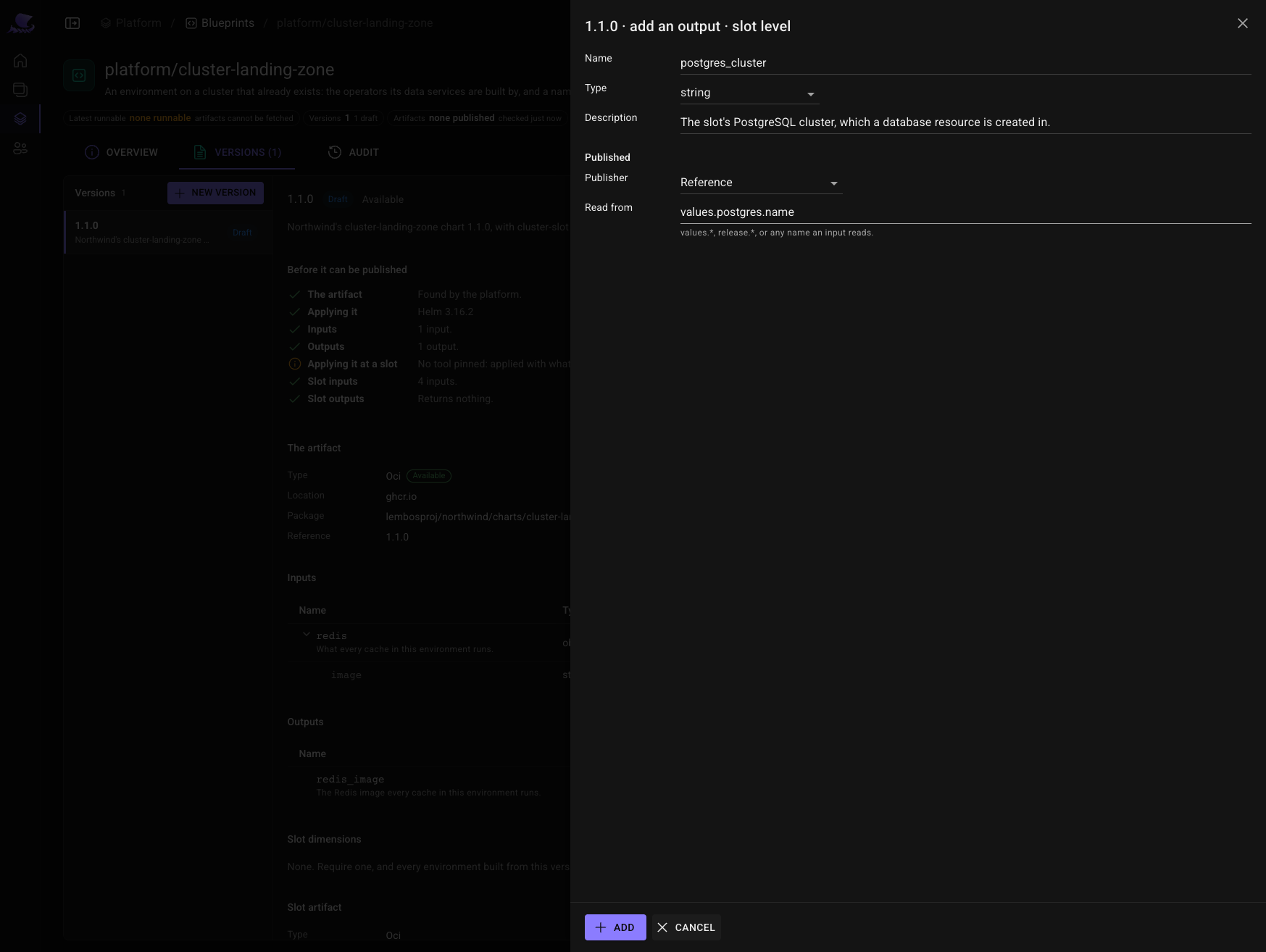
Then what it promises whatever runs on it — its outputs, read from the values it was built with, so they cannot say anything but what it installed:
redis_image, at the environment level, read fromvalues.redis.image;postgres_cluster, at the slot level, read fromvalues.postgres.name.
Publish it. Content is frozen at publish; correcting it later means another version.
4. Build the environment
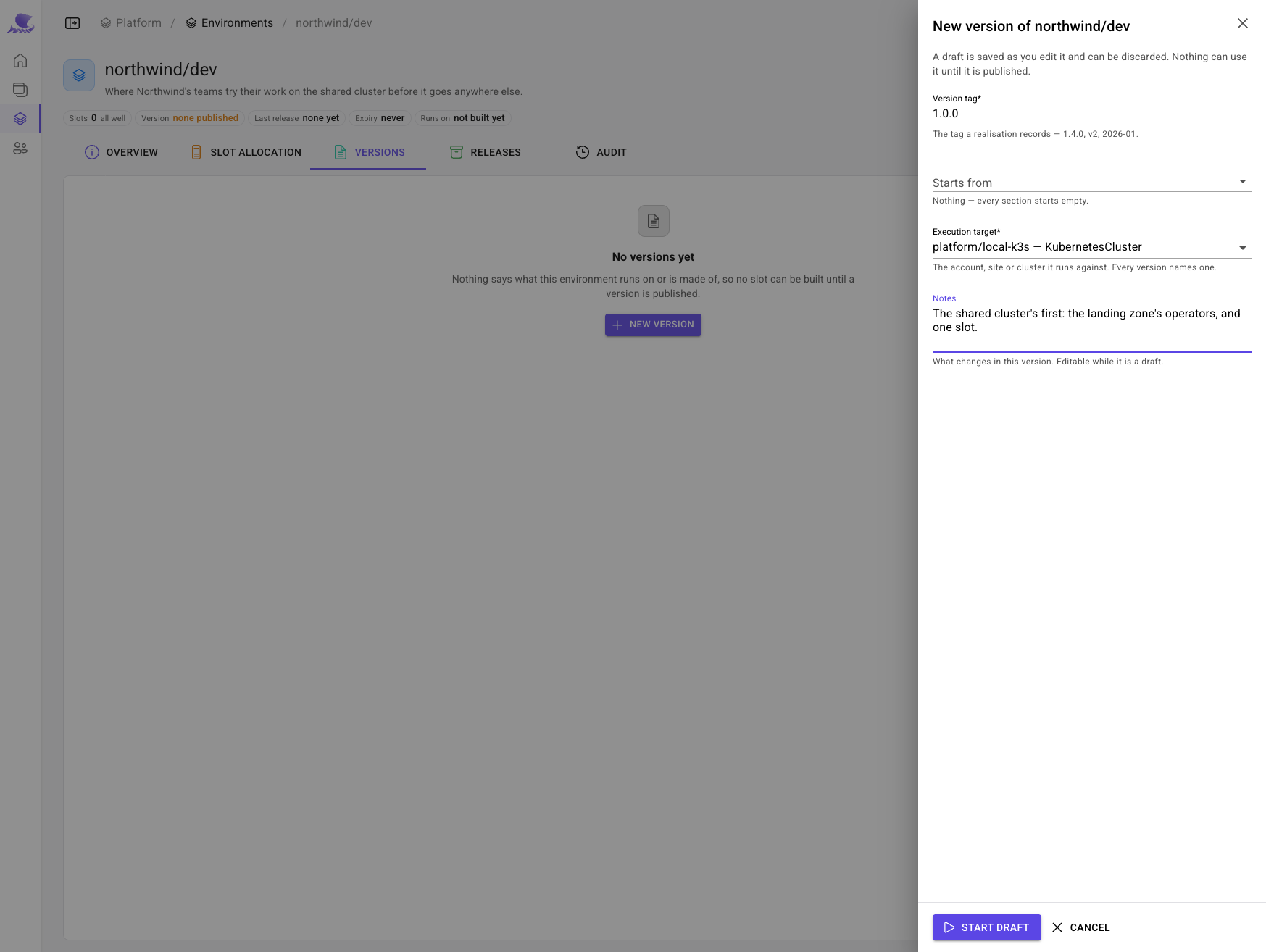
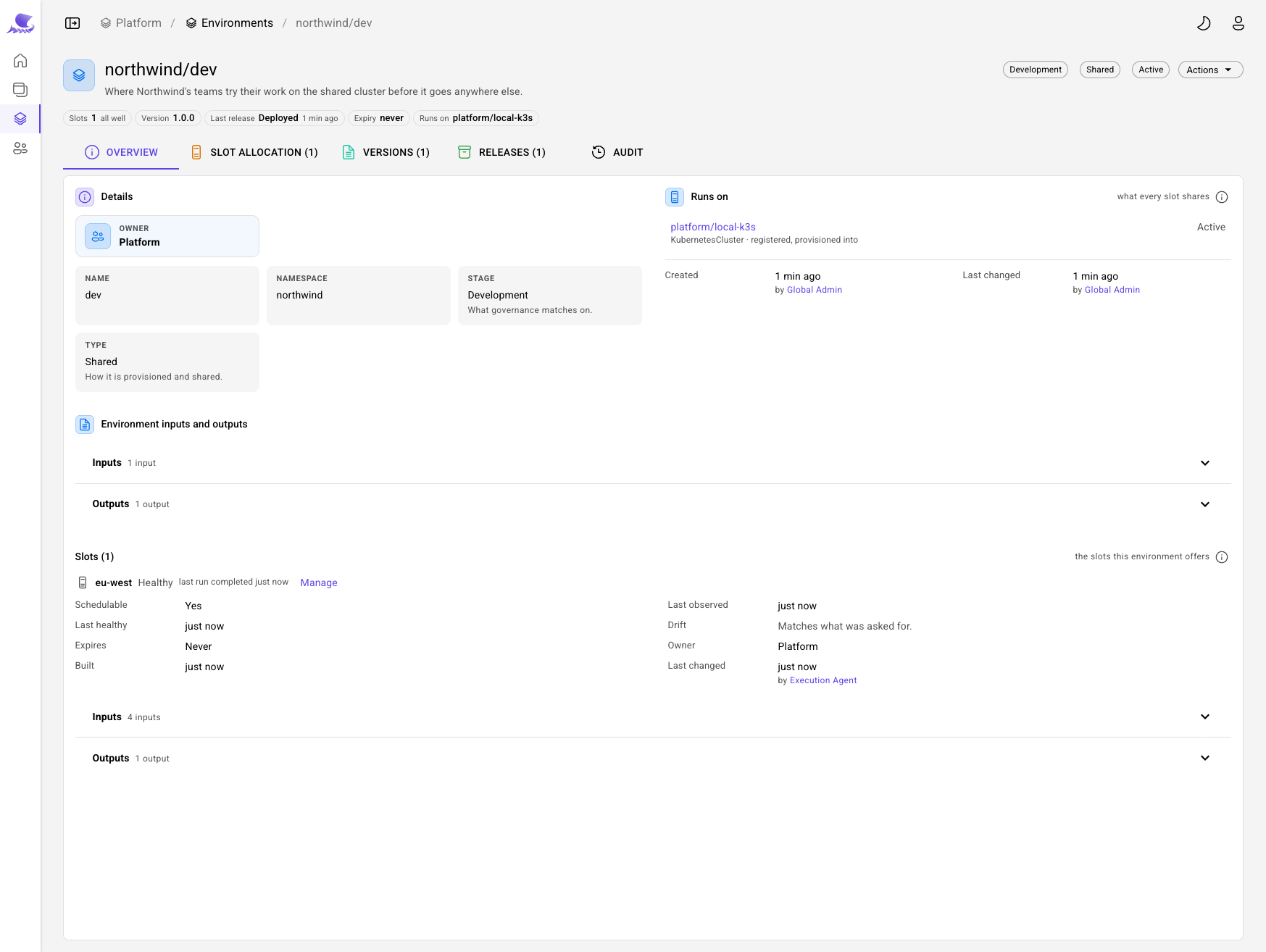
Under Platform → Environments, create northwind/dev: stage Development, type Shared, owned by
Platform. Its first version names what it runs on — platform/local-k3s — and what it is built from —
cluster-landing-zone 1.1.0.
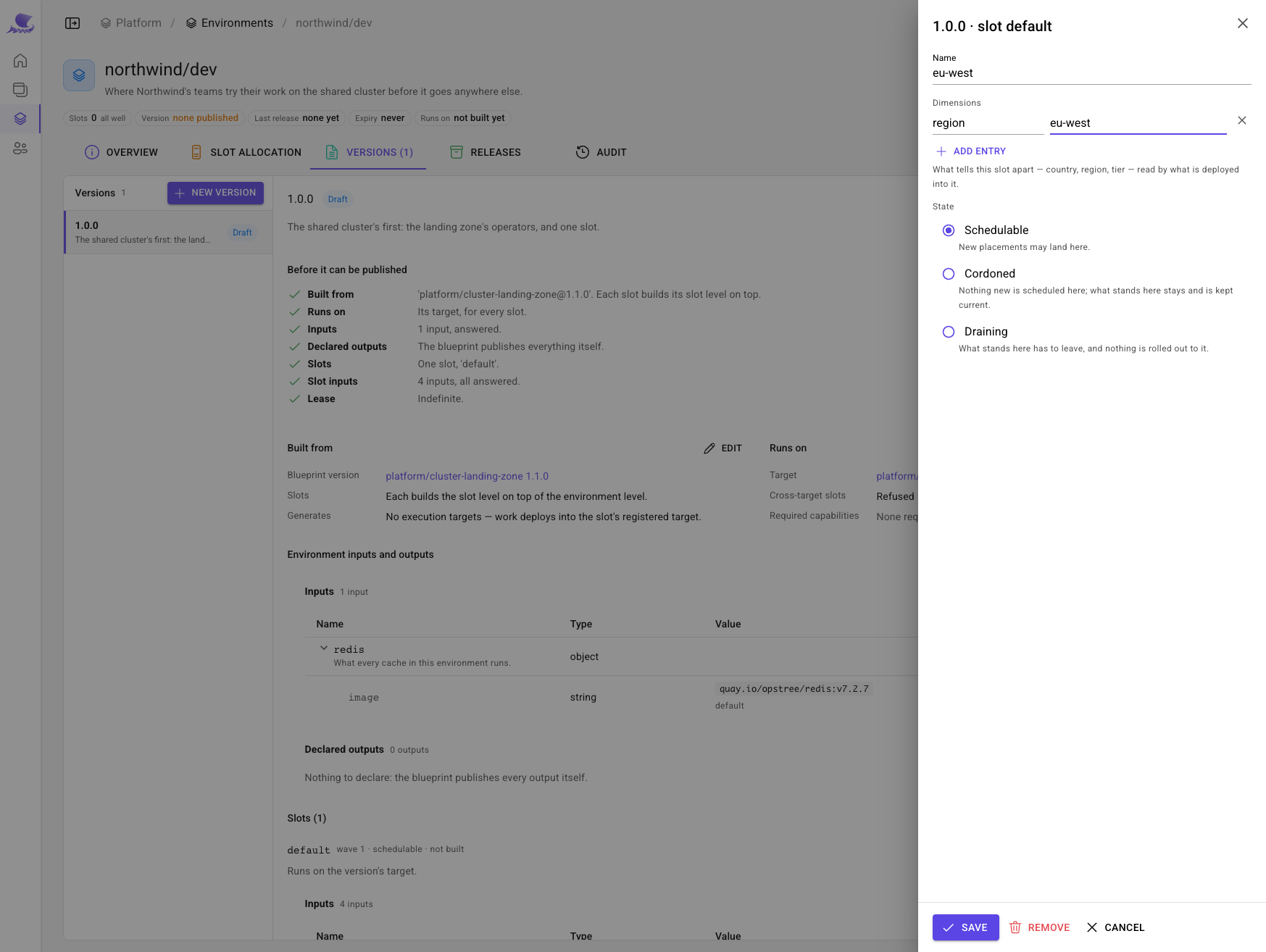
Rename its one slot eu-west and give it a dimension, region: eu-west. A slot's name is also its namespace on a
cluster target, so everything placed in this slot lands in eu-west.
Publish it, and its release builds it: the operators first, then the slot. A couple of minutes later the slot is healthy, and the environment has recorded what its landing zone promised.
5. Write recipes that read the environment
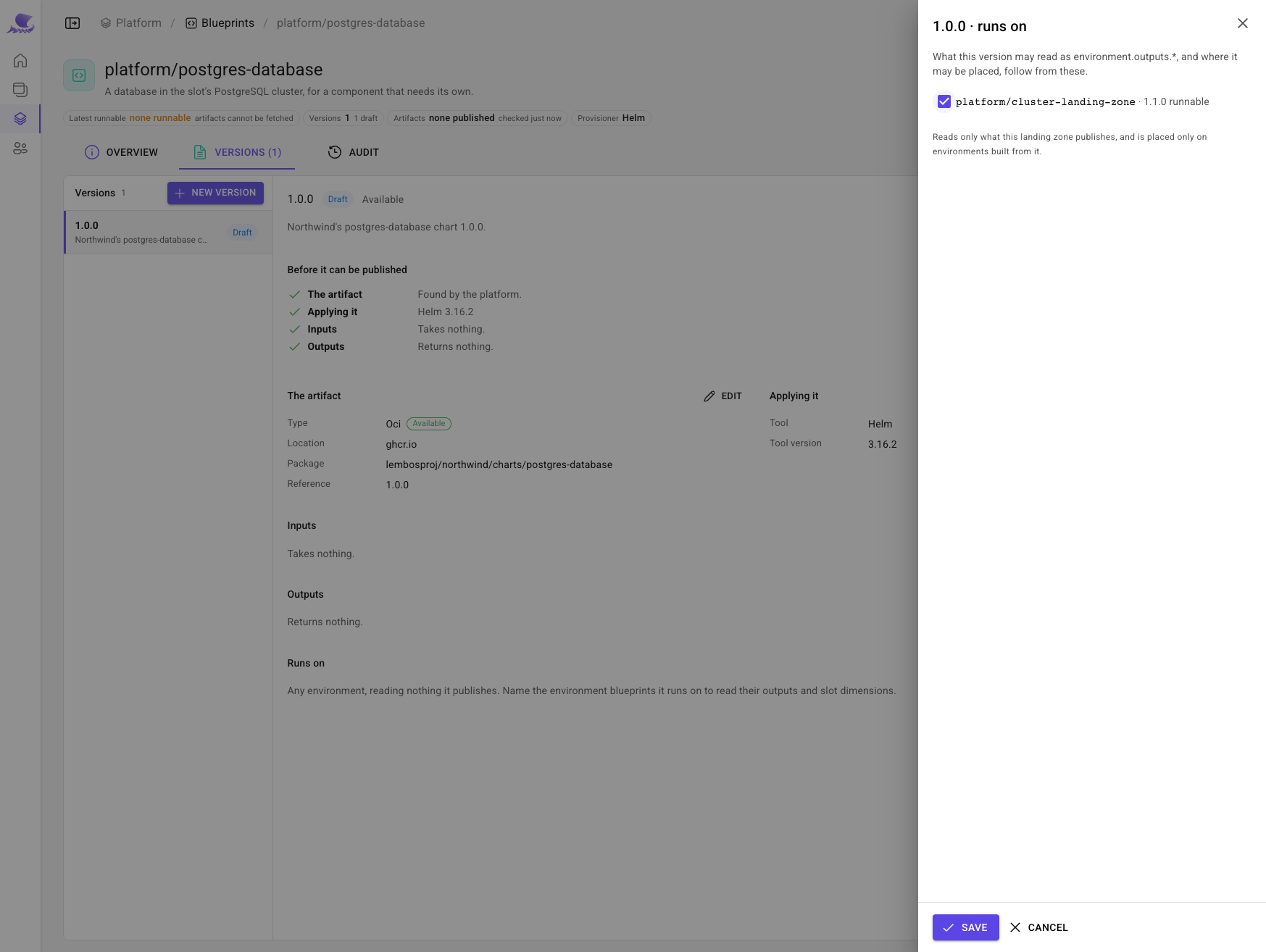
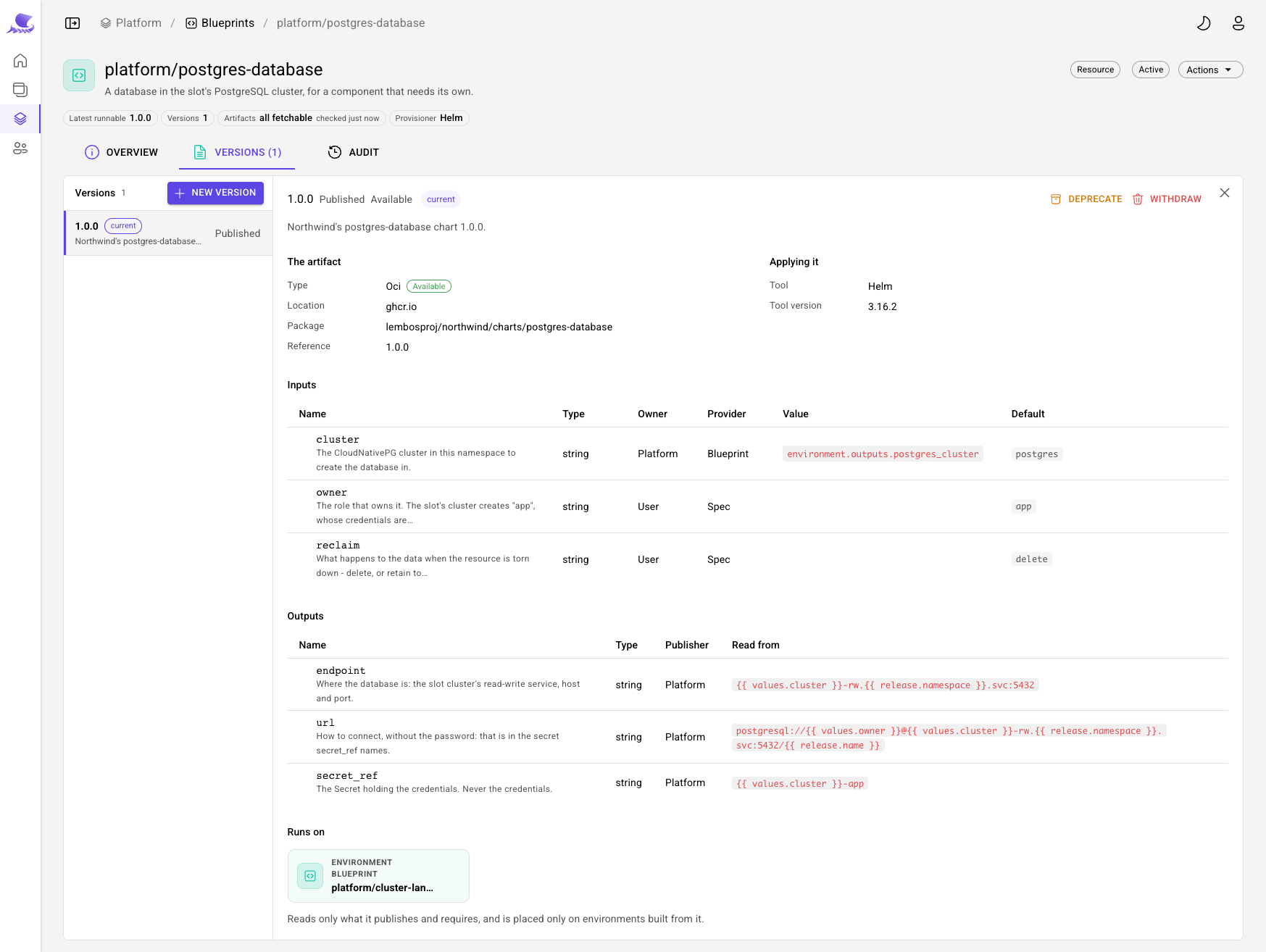
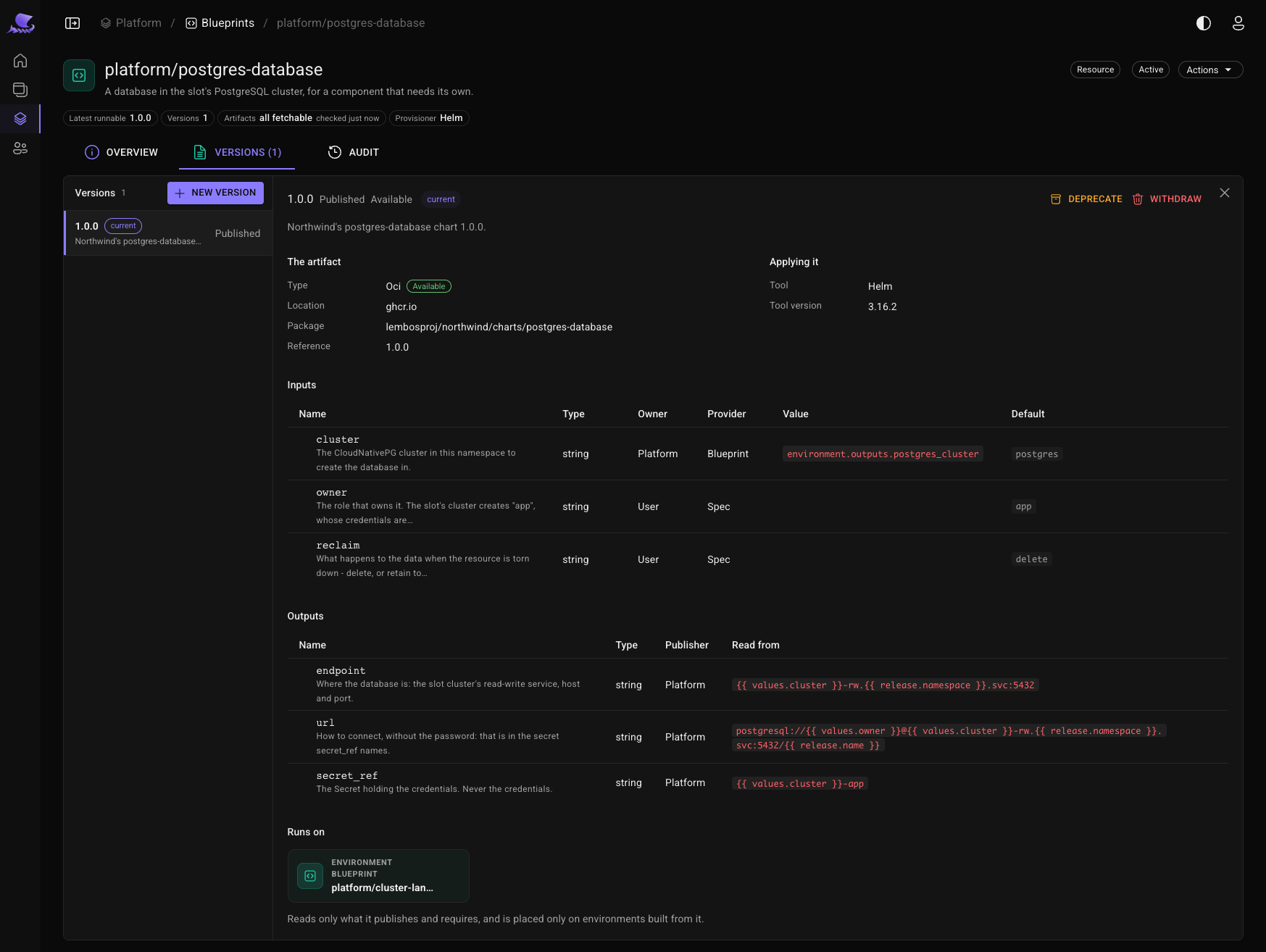
Two Resource blueprints, platform/postgres-database and platform/redis-instance, each from its Northwind
chart at 1.0.0 and pinned to Helm 3.16.2.
Each one runs on platform/cluster-landing-zone. Naming it is what lets a blueprint read what the landing zone
publishes — and what keeps it from ever being placed in an environment that does not have the operator it needs.
After importing its inputs, the database's cluster is answered by the blueprint with a reference,
environment.outputs.postgres_cluster, so it is created in whichever cluster the slot says it has. Its outputs say
where it is and how to connect:
| Output | Read from |
|---|---|
endpoint | {{ values.cluster }}-rw.{{ release.namespace }}.svc:5432/{{ release.name }} |
url | postgresql://{{ values.owner }}@…, the same without the password |
secret_ref | {{ values.cluster }}-app, the secret the operator writes the credentials to |
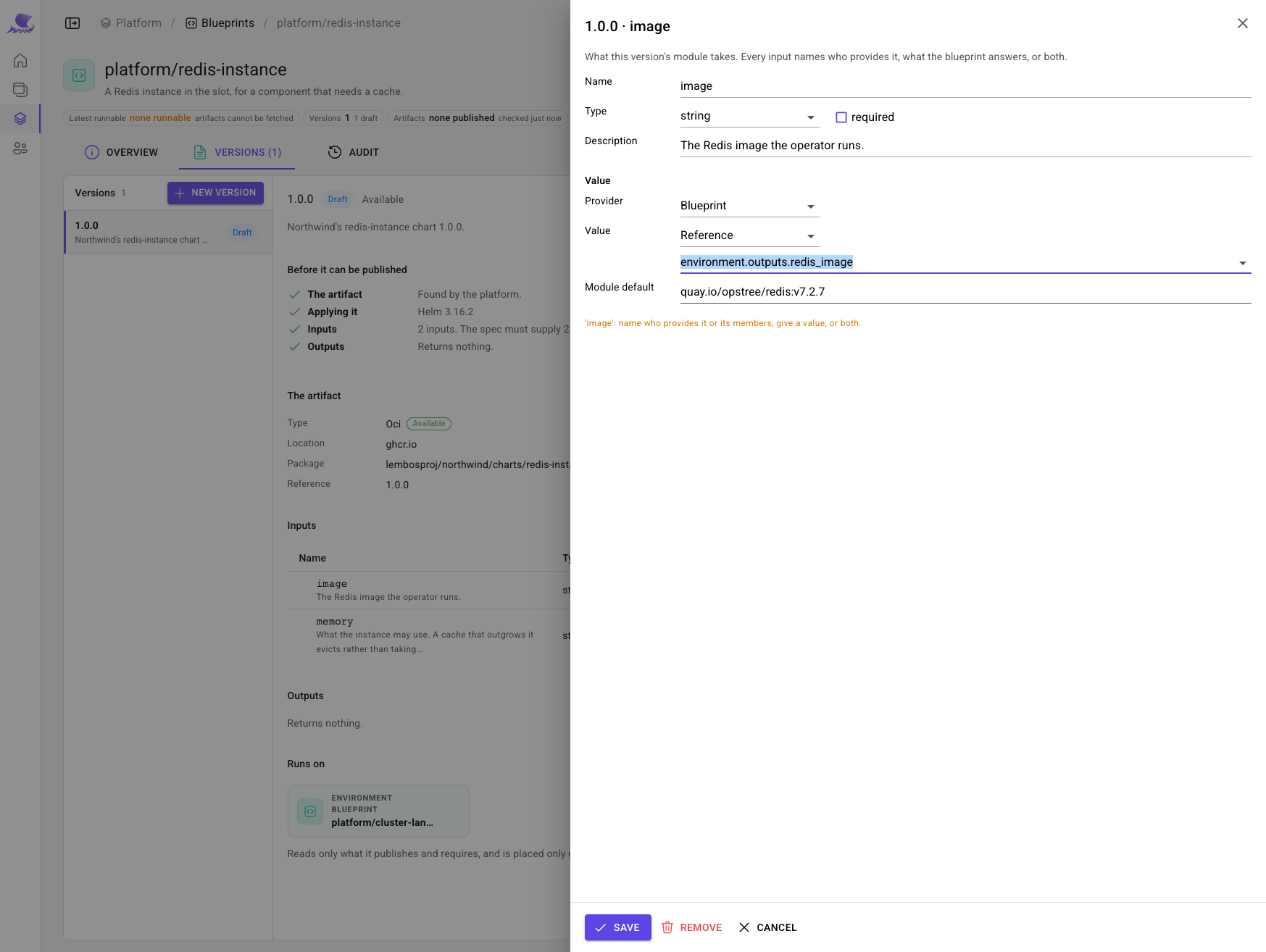
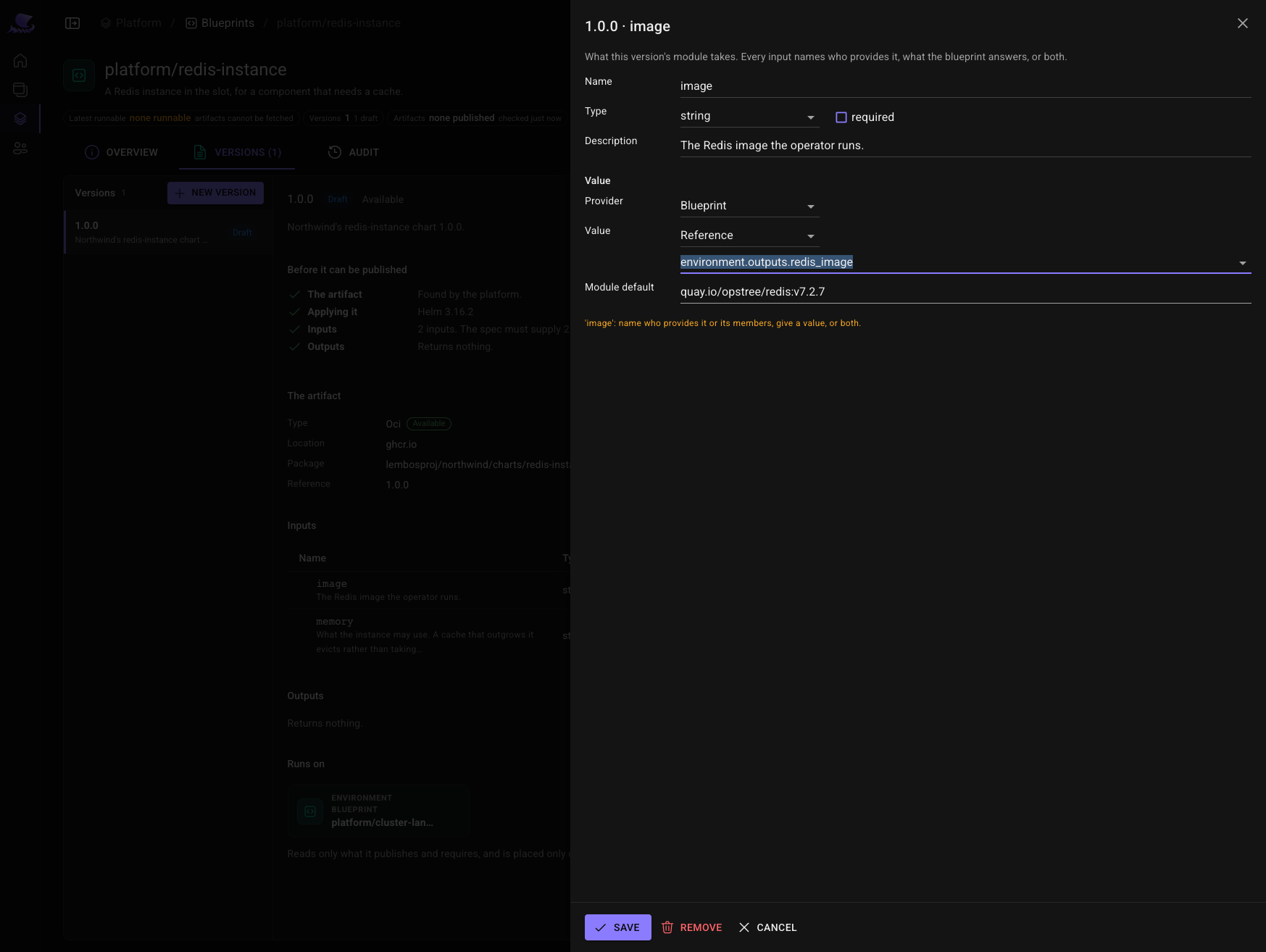
The cache is the same shape: its image is environment.outputs.redis_image, so the platform chooses it once per
environment, and it publishes an endpoint and a url.
6. Write the service recipe
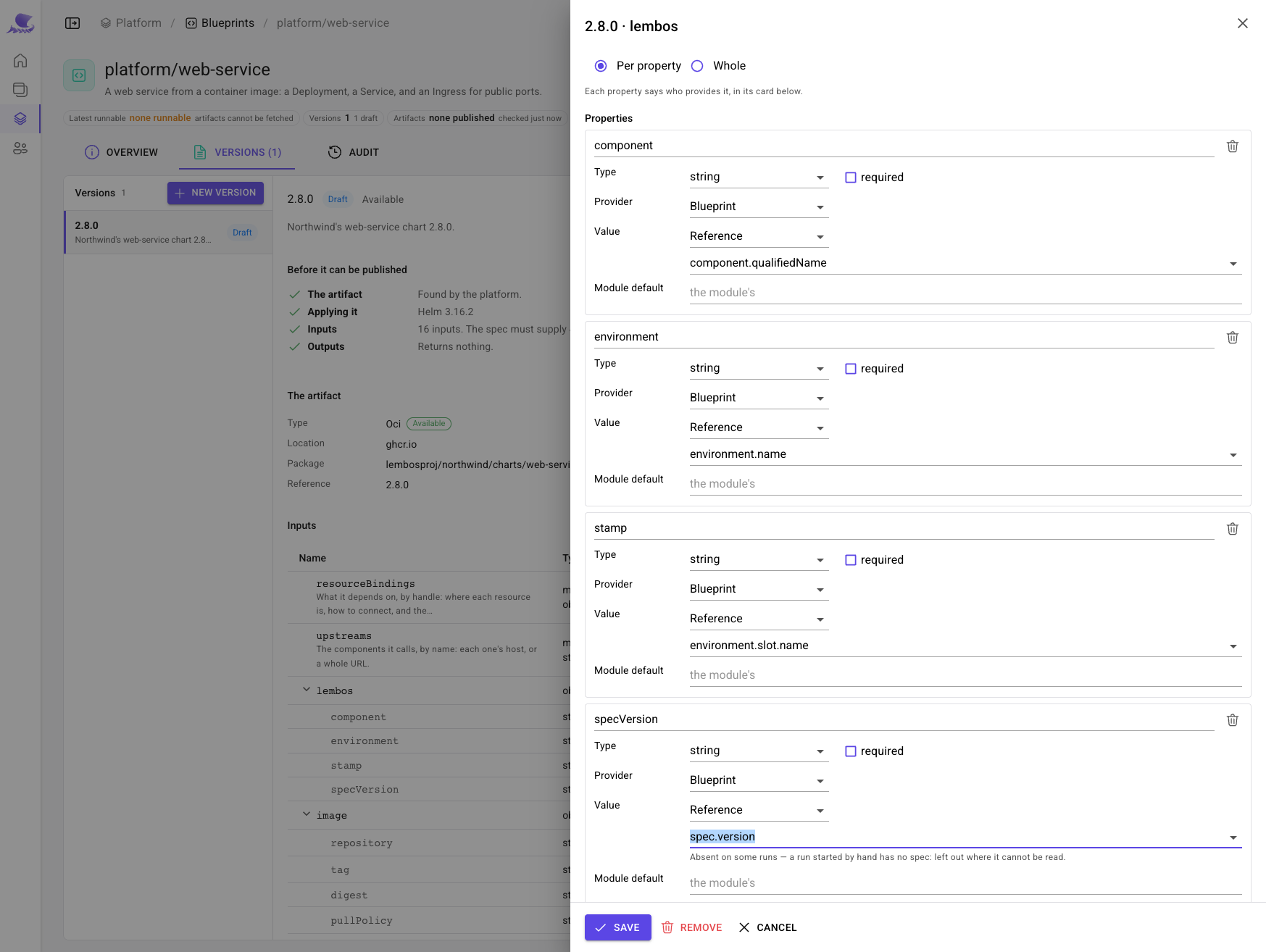
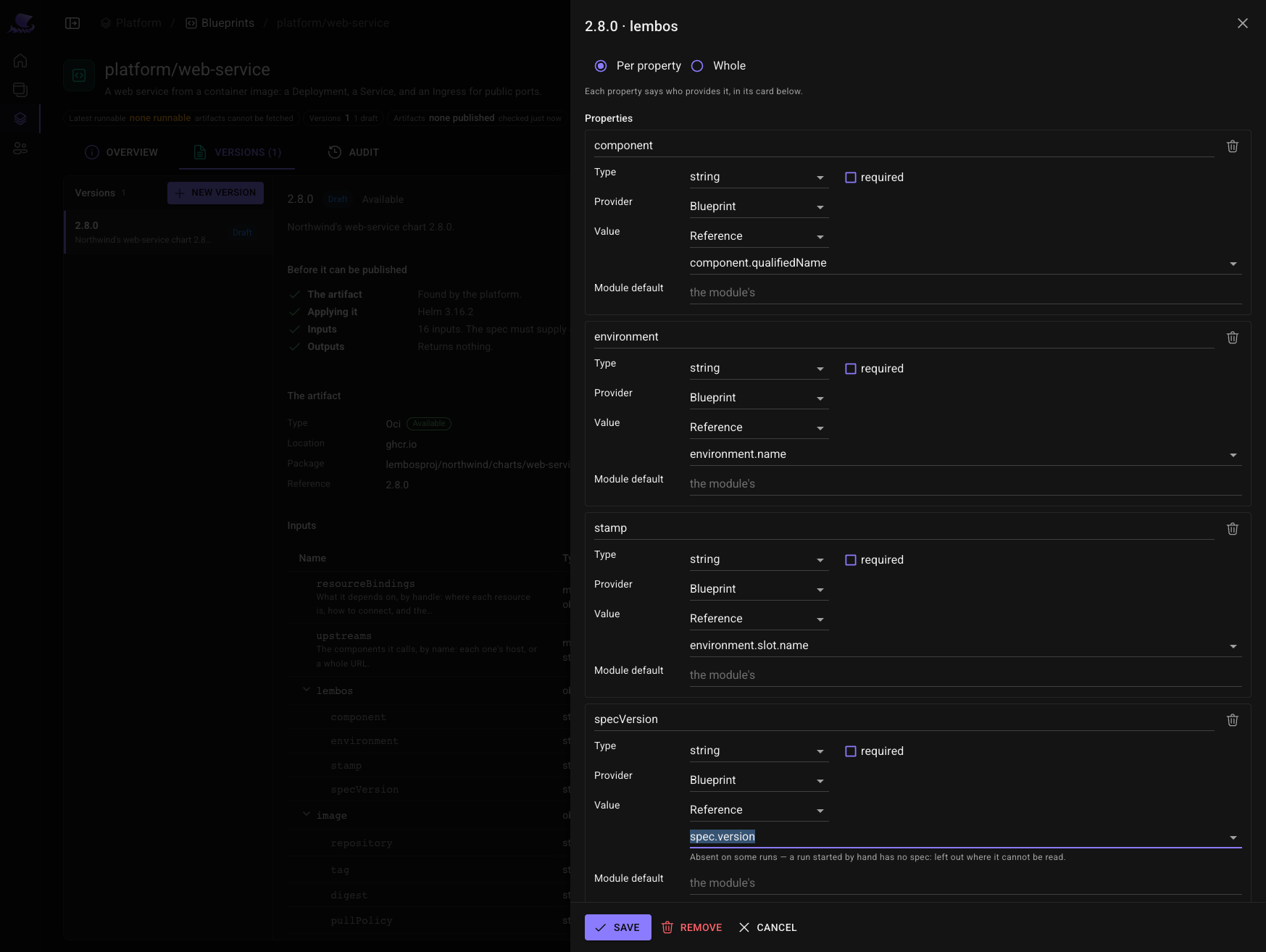
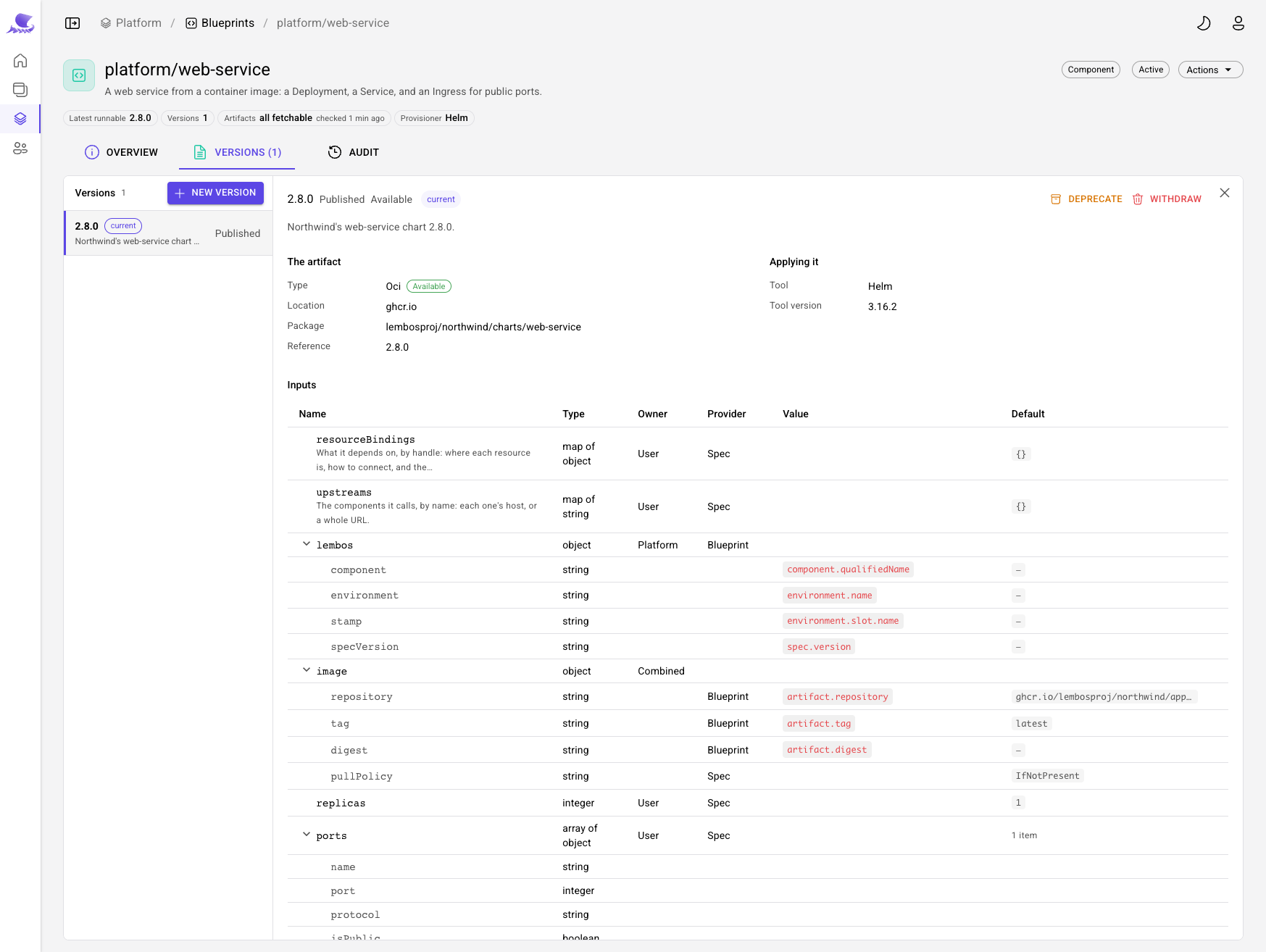
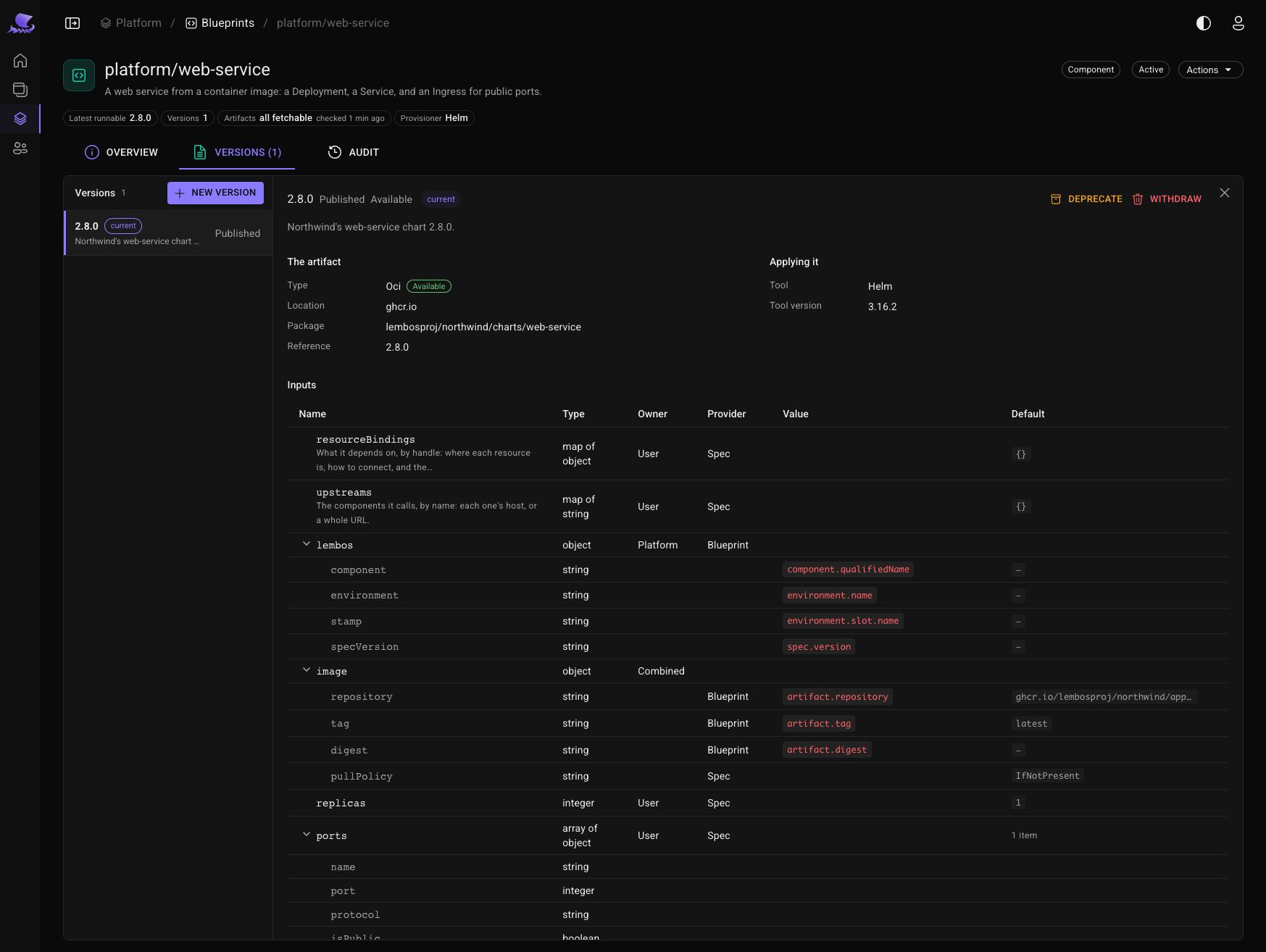
platform/web-service is a Component blueprint, from Northwind's web-service chart 2.8.0. Most of its
inputs are the team's to set. The blueprint answers the ones that are the platform's: who and where the component
is, and the build being rolled out — artifact.repository, artifact.tag, artifact.digest.
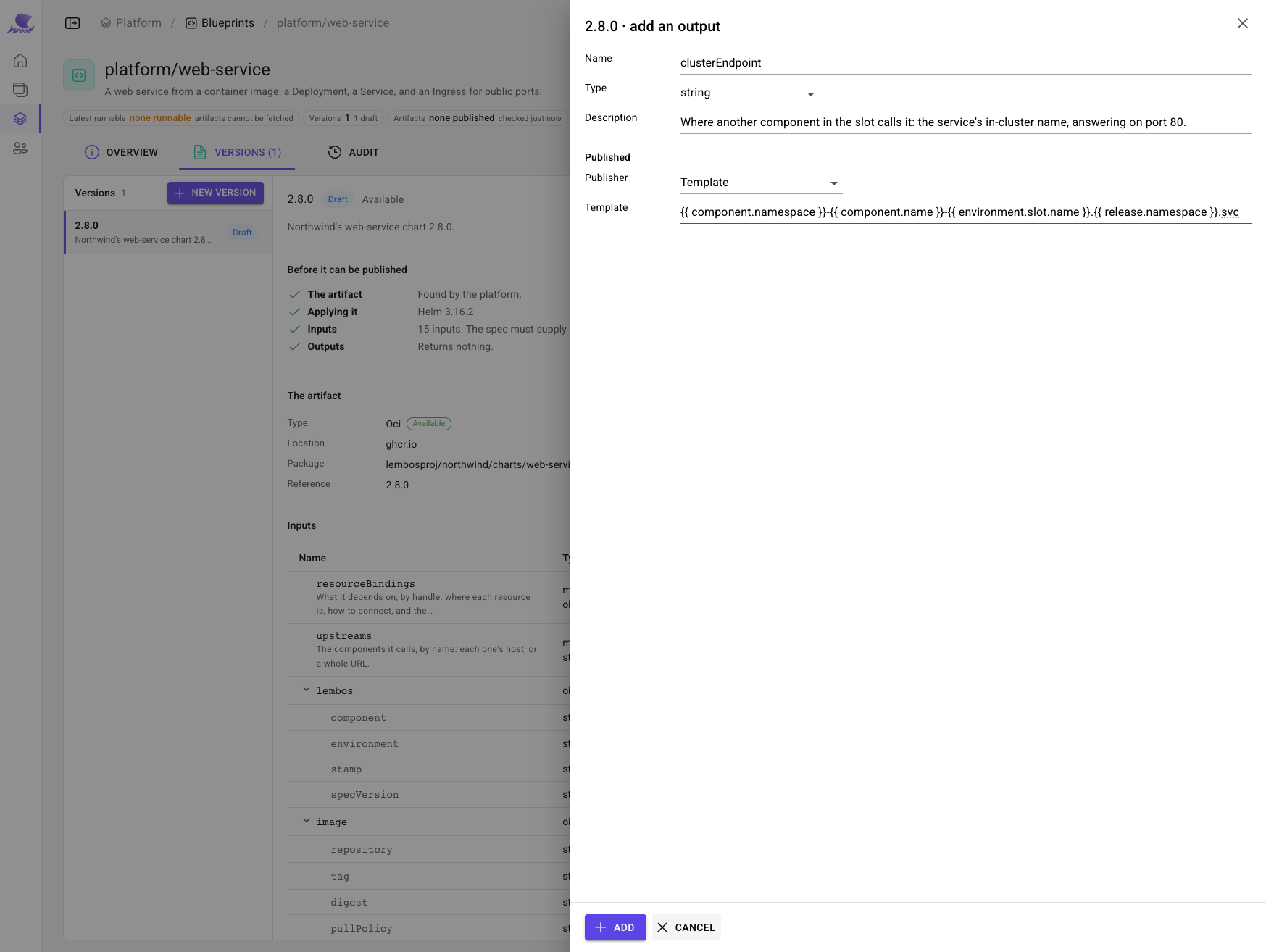
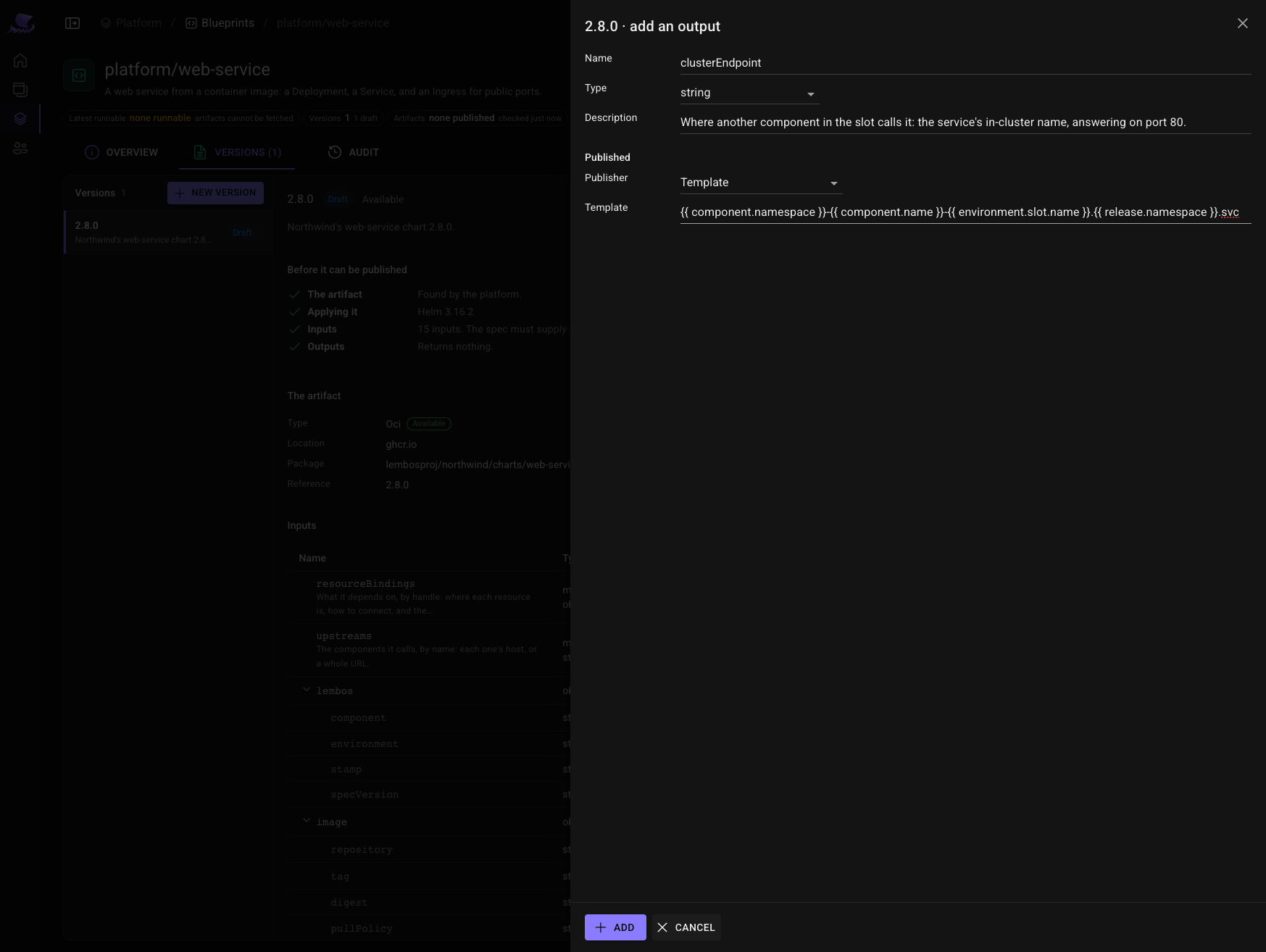
It publishes where it is reached, so a component that calls it can read the address rather than build it.
Publish it.
7. Put the service in the catalog
Under Workspace, as Checkout Squad:
- a software system,
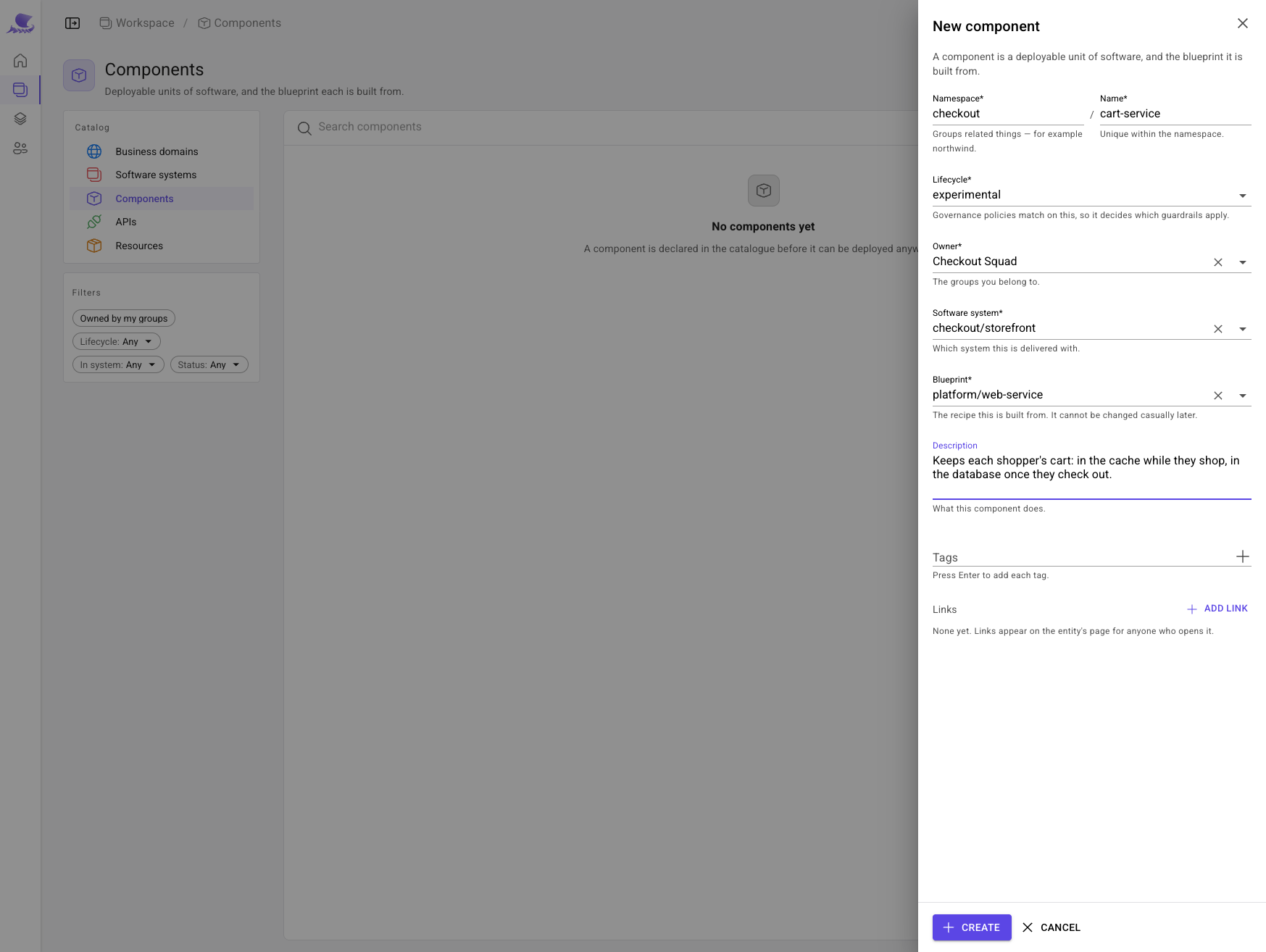
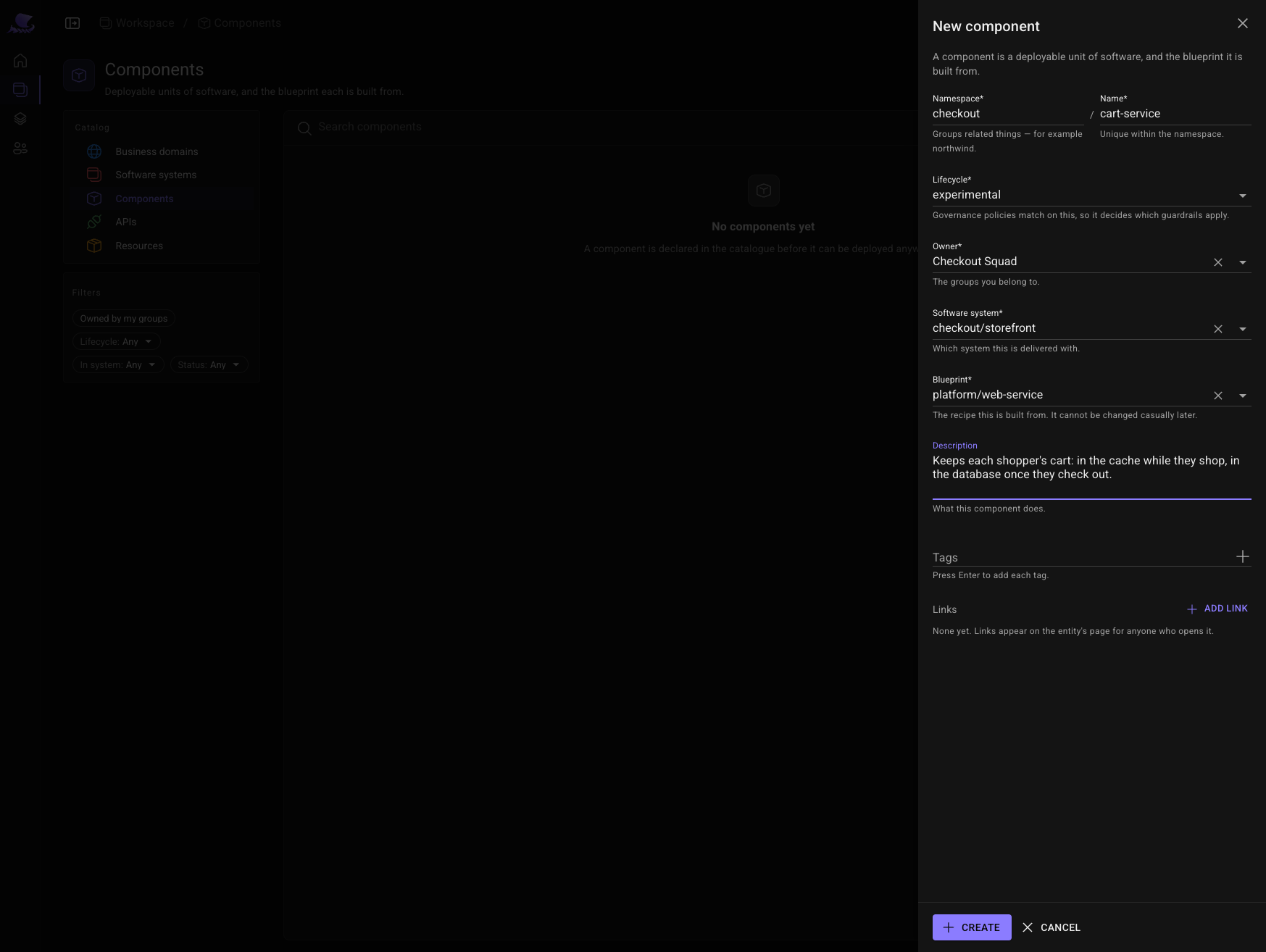
checkout/storefront; - a component,
checkout/cart-service, in that system, built fromplatform/web-service; - two resources in the same system:
checkout/cart-dbfromplatform/postgres-database, andcheckout/cart-cachefromplatform/redis-instance.
A component ships builds — artifacts. A pipeline records one when it builds it; here, under
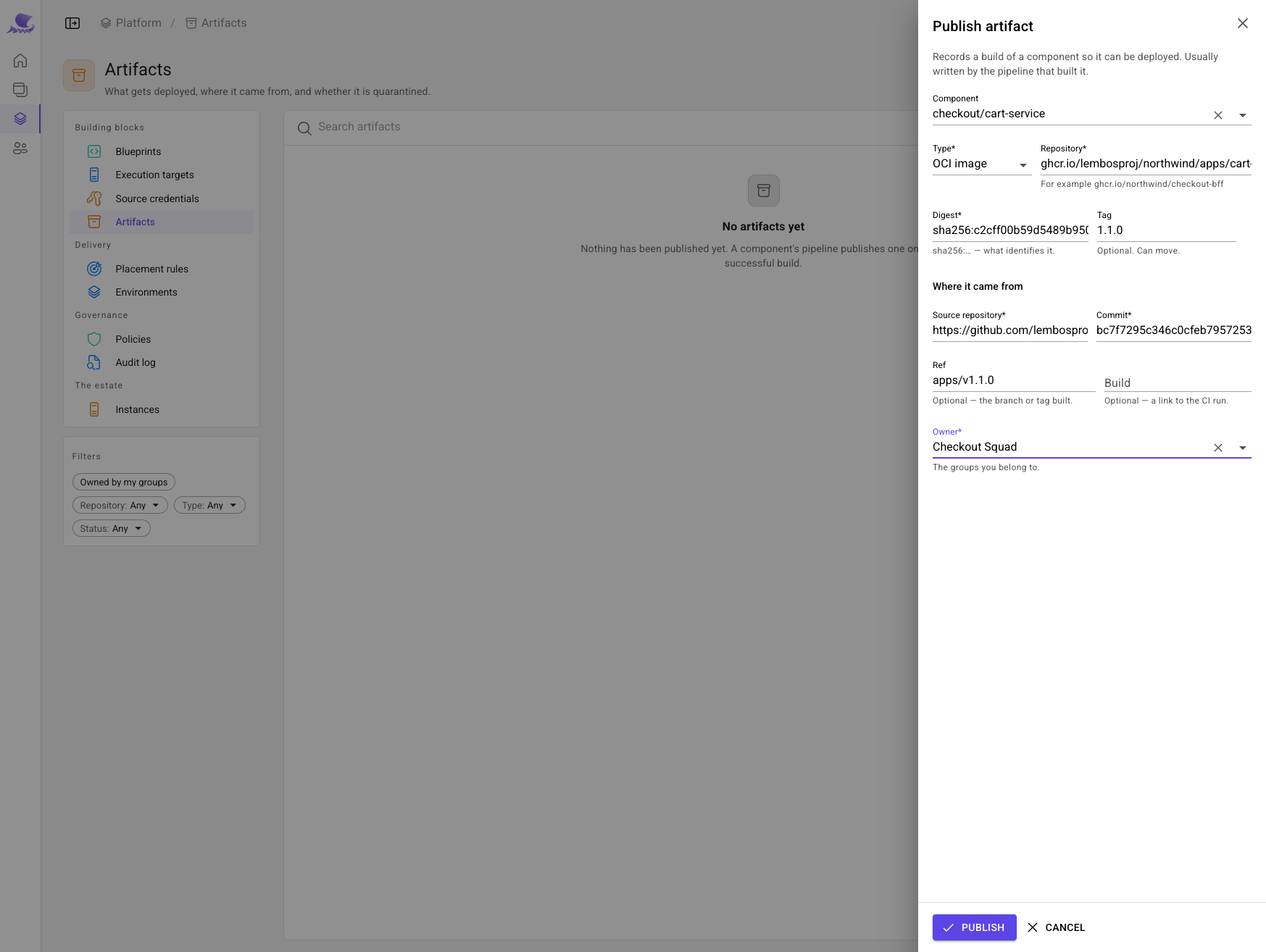
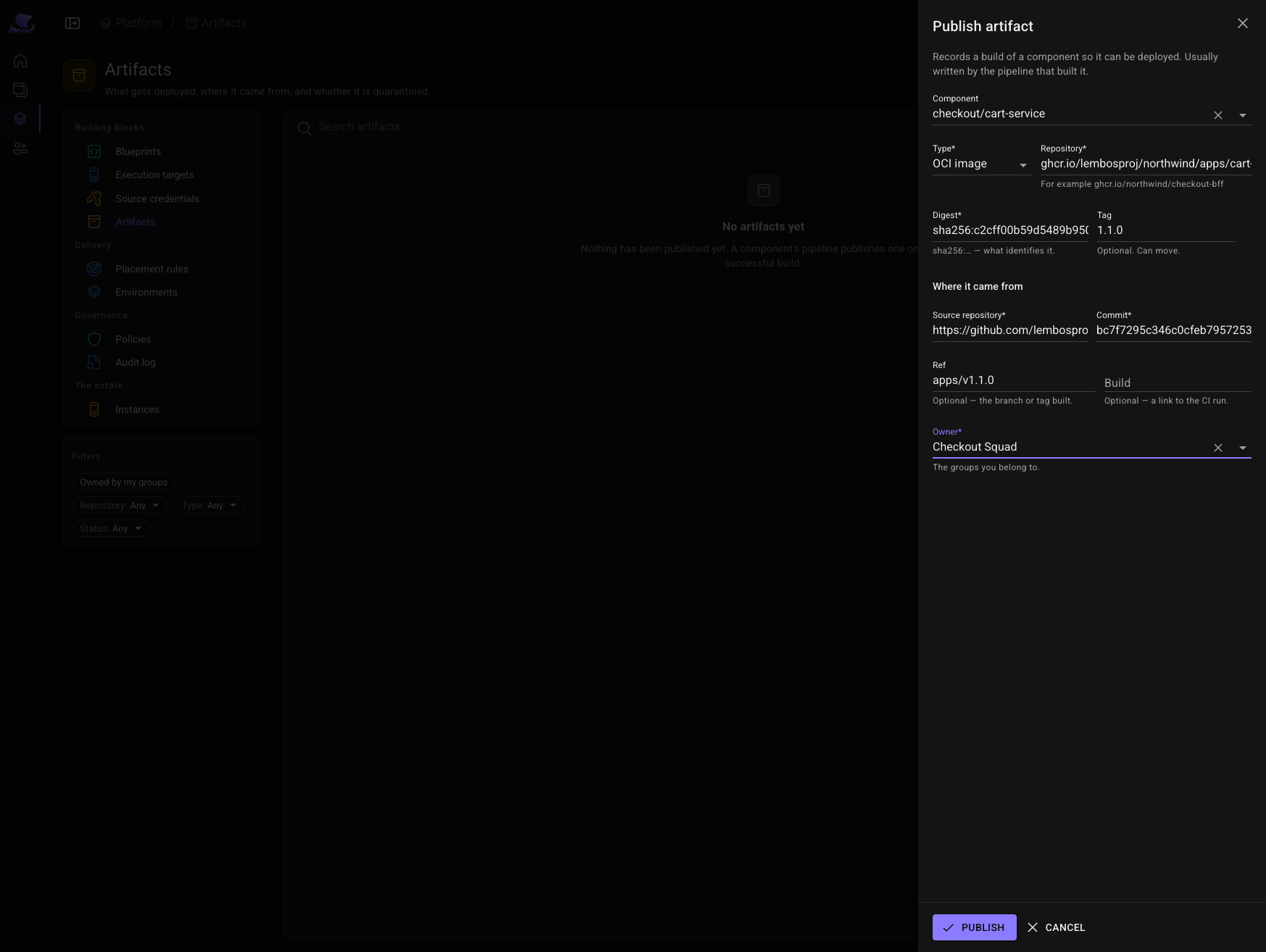
Platform → Artifacts, Publish artifact records Northwind's cart-service image 1.1.0 by its digest.
8. Provision the database and the cache
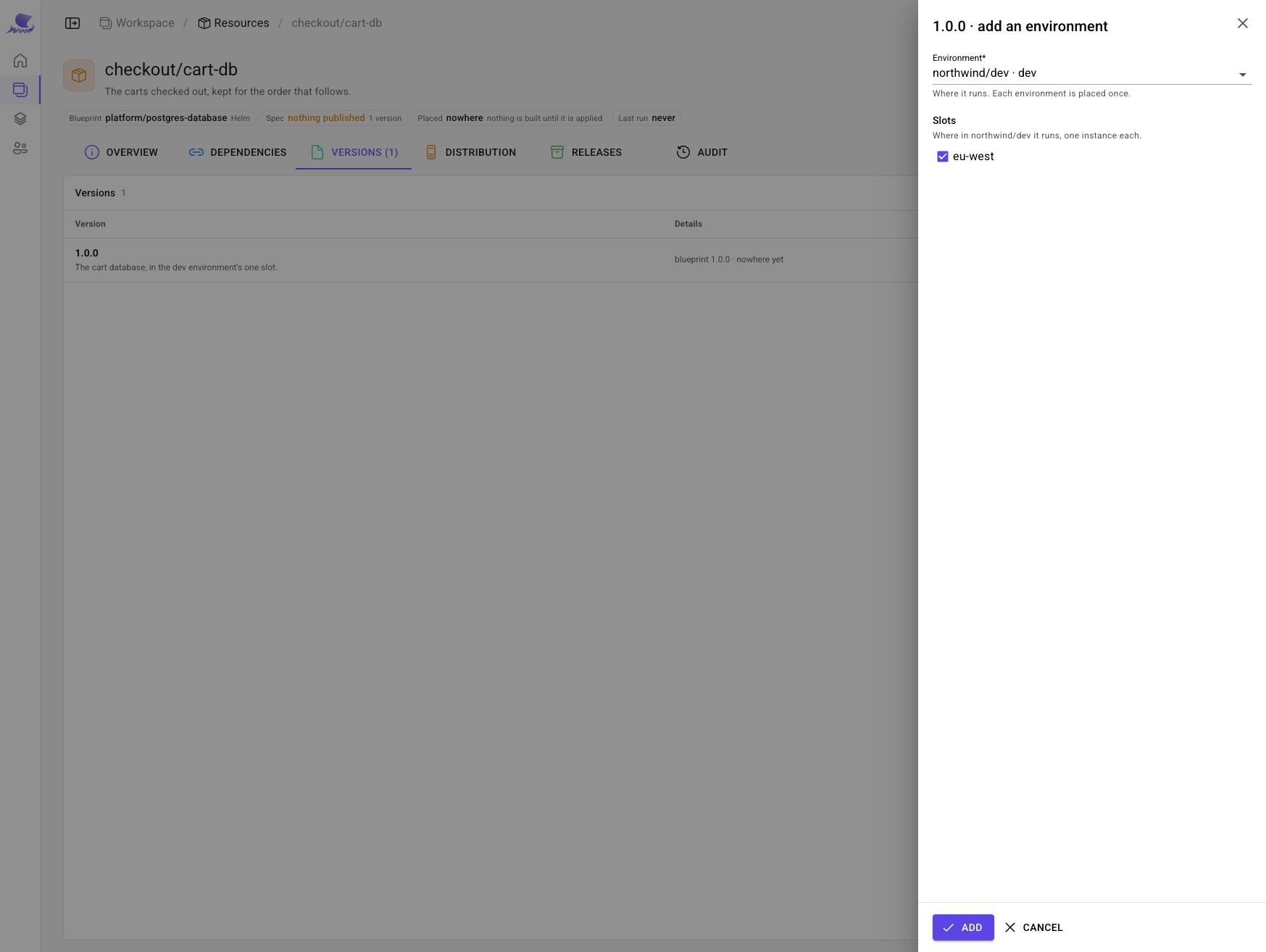
A resource is configured by its spec. On each resource's Versions tab, Declare a spec owned by Checkout
Squad, start version 1.0.0, and Add environment: northwind/dev, slot eu-west.
Nothing else to say: the database's cluster comes from the environment, and its owner and reclaim policy keep their
defaults. Publish each spec version, and its release provisions it: a database cart-db in the slot's
postgres cluster, and a Redis cart-cache running the environment's image.
9. Wire the service and release it
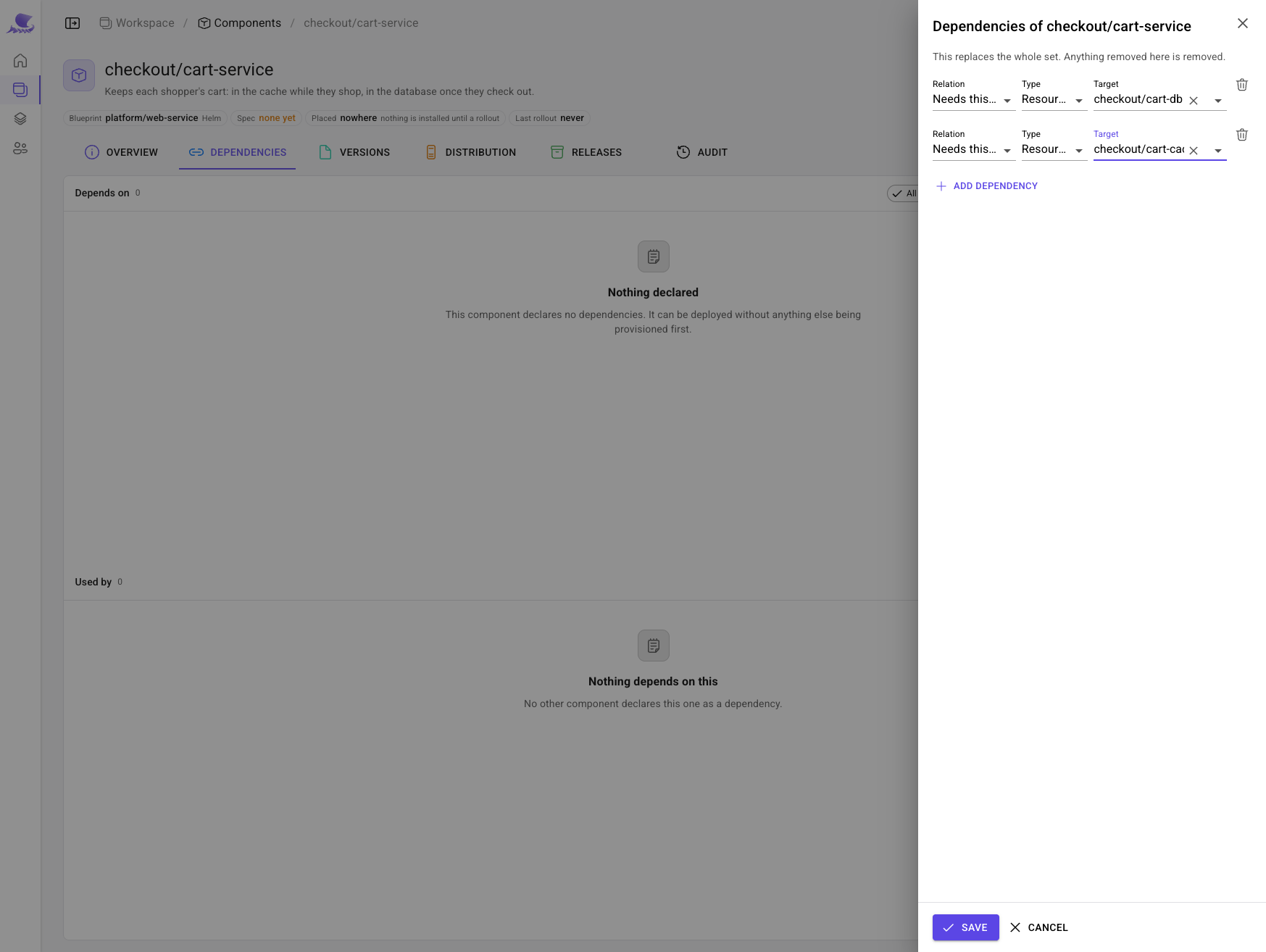
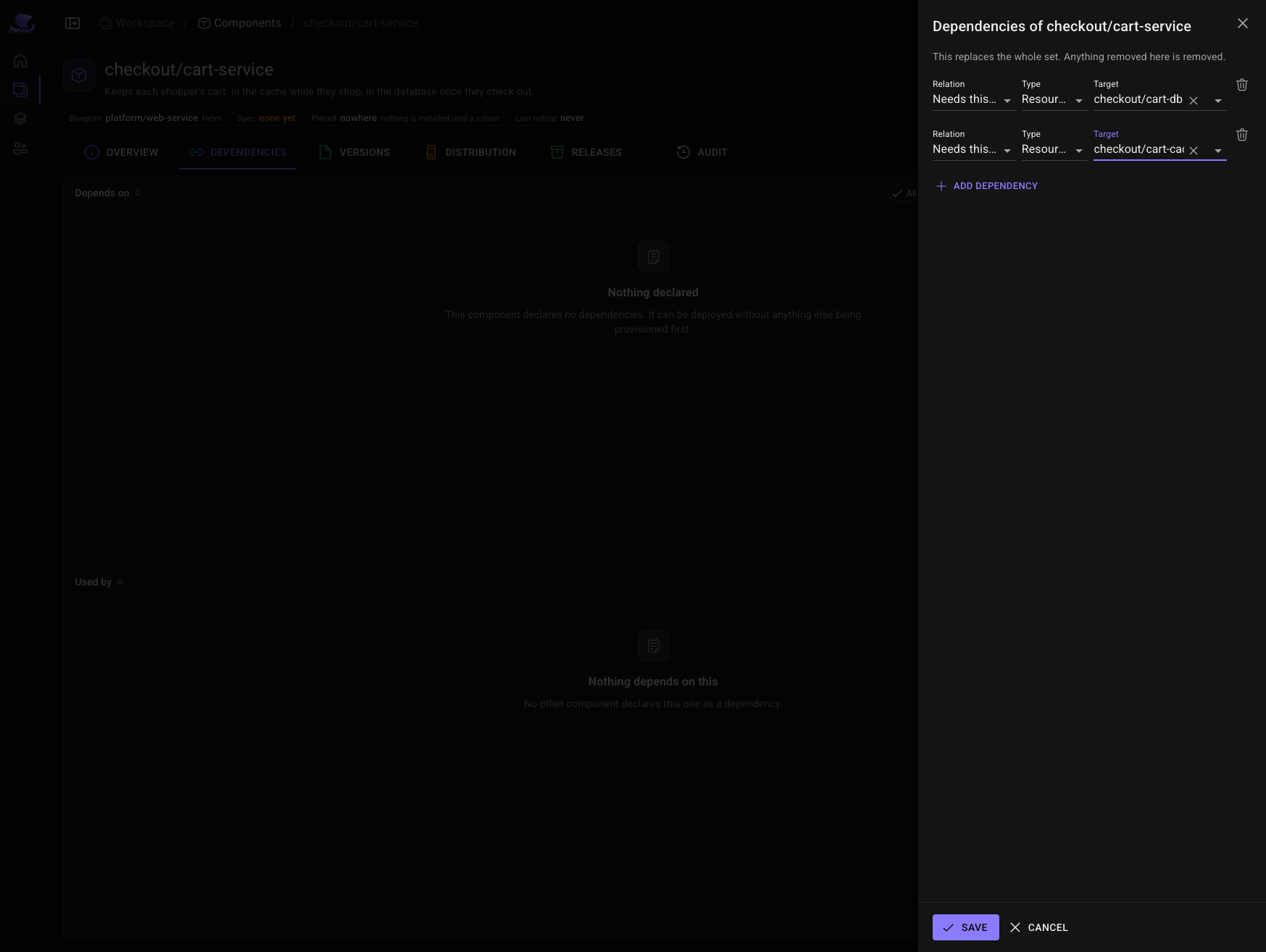
On the component's Dependencies tab, it needs both resources to run. Only a declared dependency's outputs can be read.
Declare its spec, start 1.0.0 and place it in northwind/dev's eu-west slot, as for the resources. Then edit
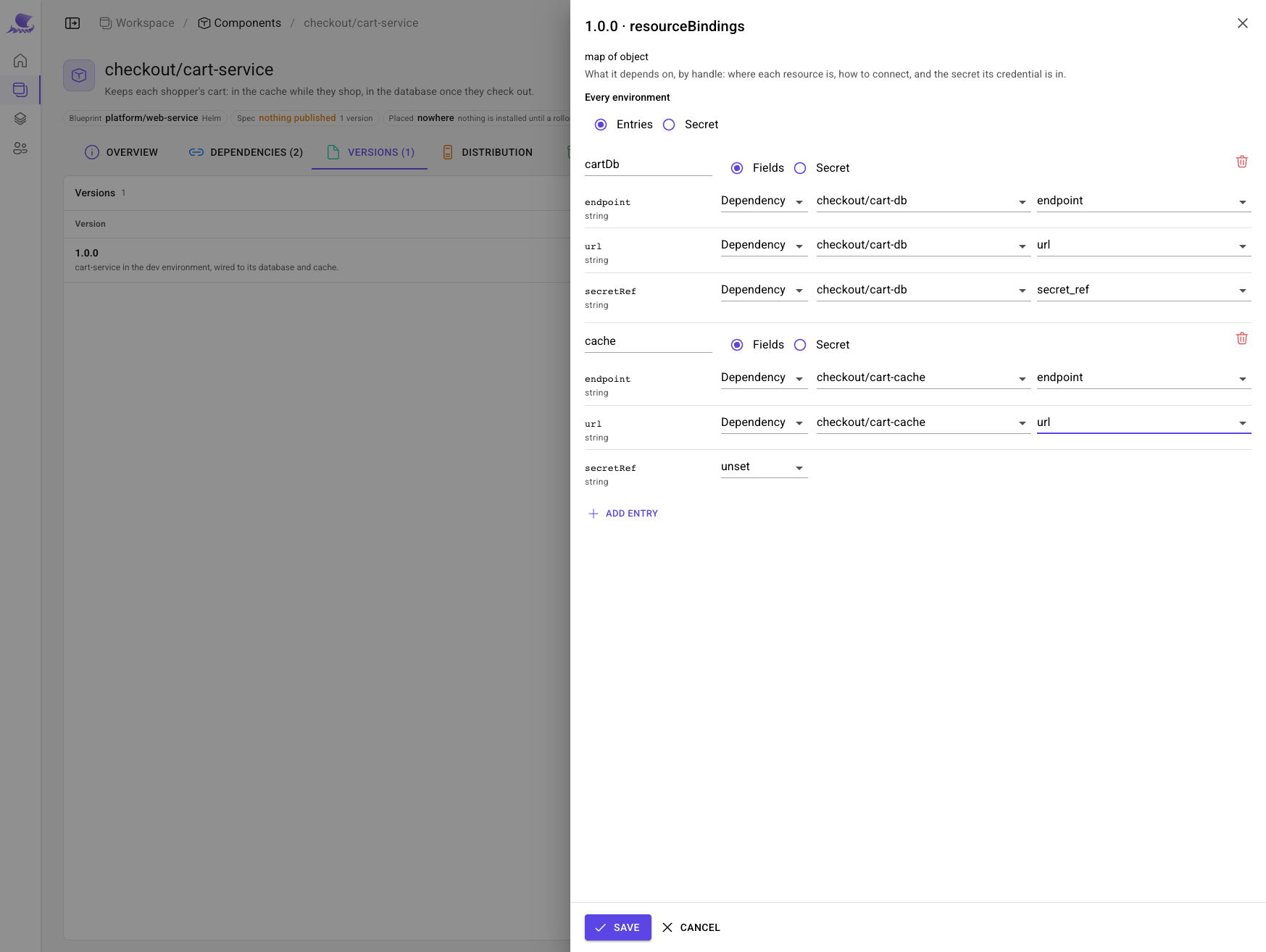
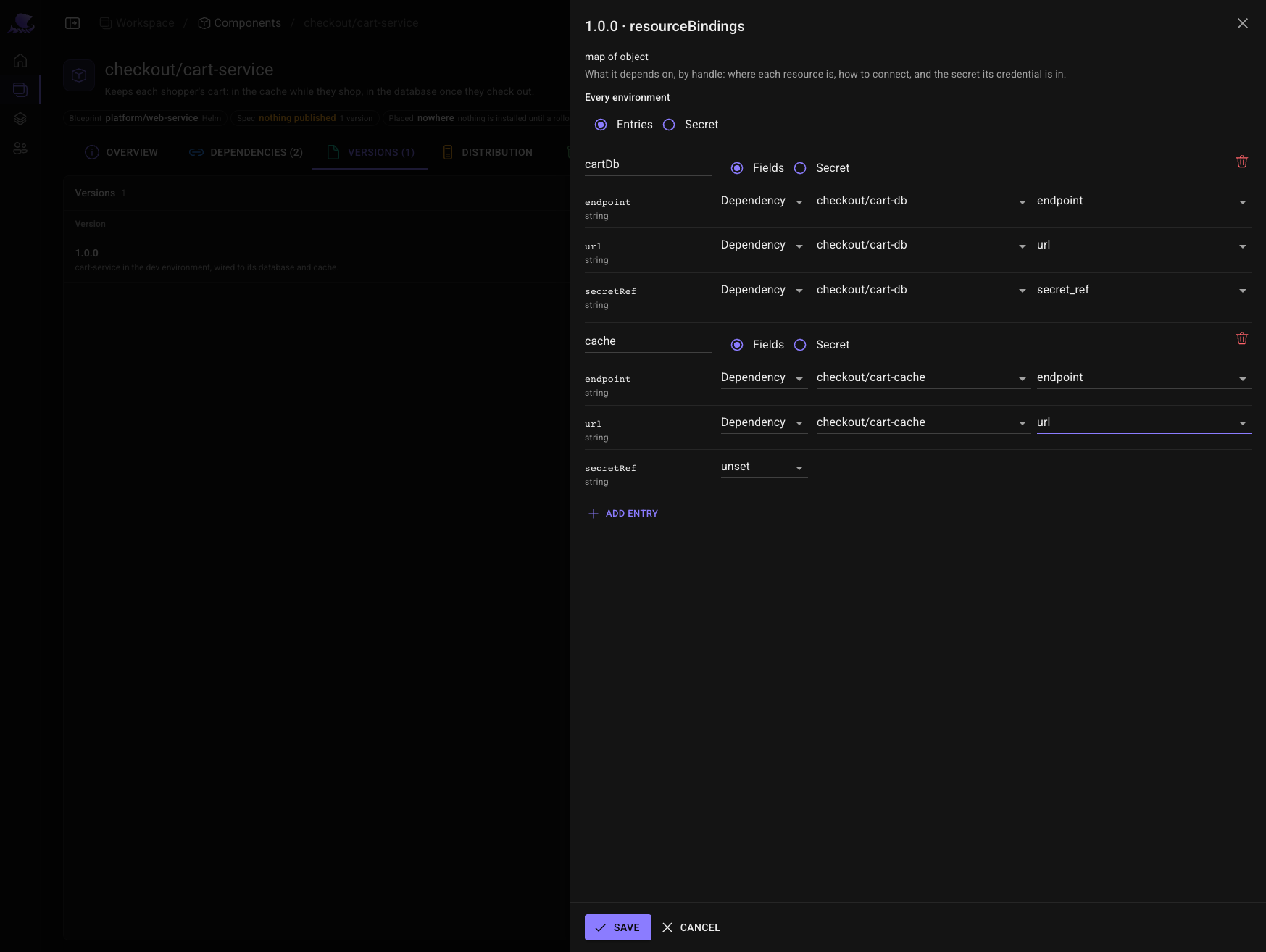
resourceBindings: one entry per resource, each field answered from a Dependency's output.
| Binding | Field | Reads |
|---|---|---|
cartDb | endpoint | checkout/cart-db → endpoint |
cartDb | url | checkout/cart-db → url |
cartDb | secretRef | checkout/cart-db → secret_ref |
cache | endpoint | checkout/cart-cache → endpoint |
cache | url | checkout/cart-cache → url |
Publish the spec version. On the Releases tab, New release: build 1.1.0, spec 1.0.0, and
Create and deploy.
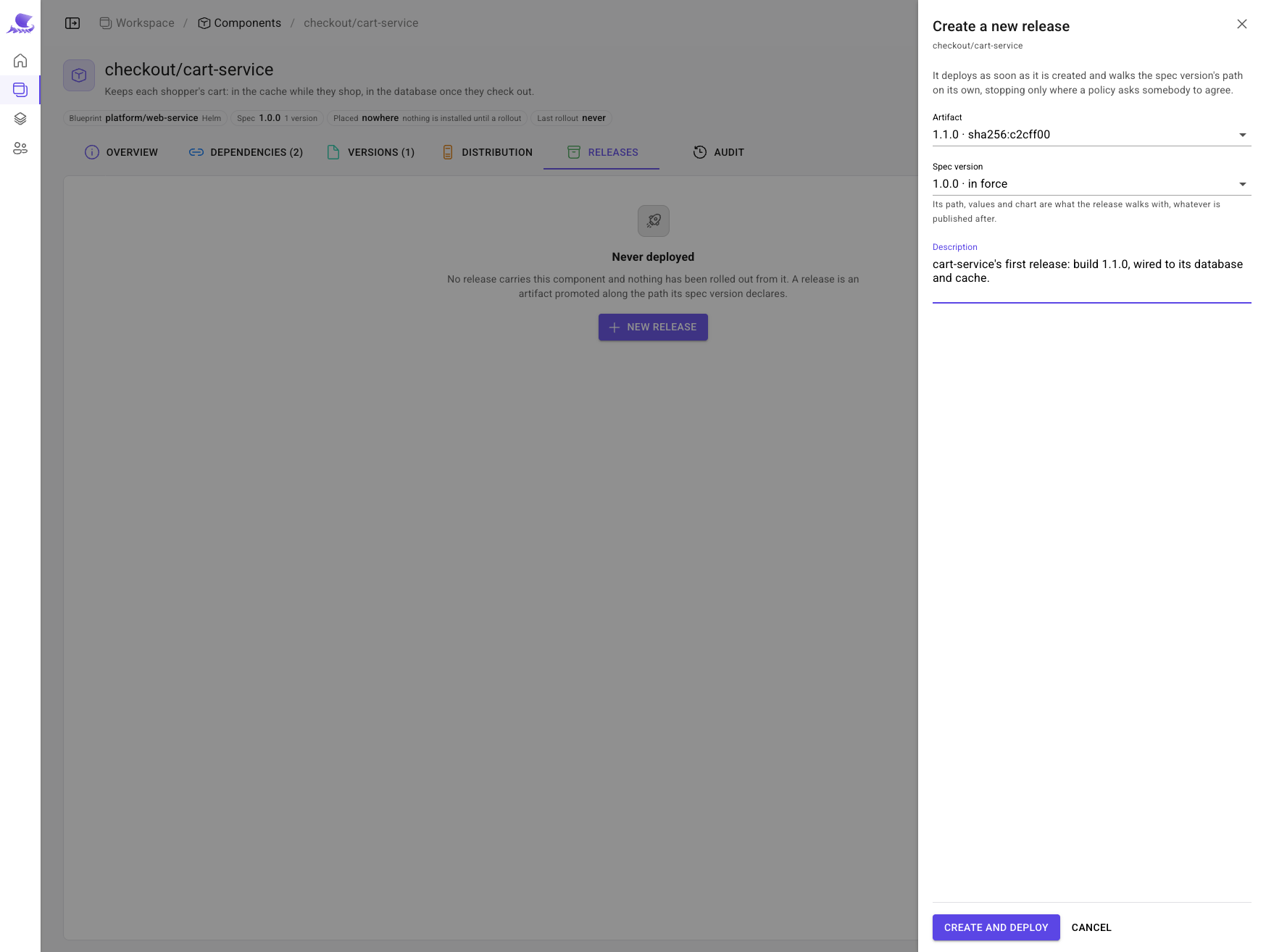
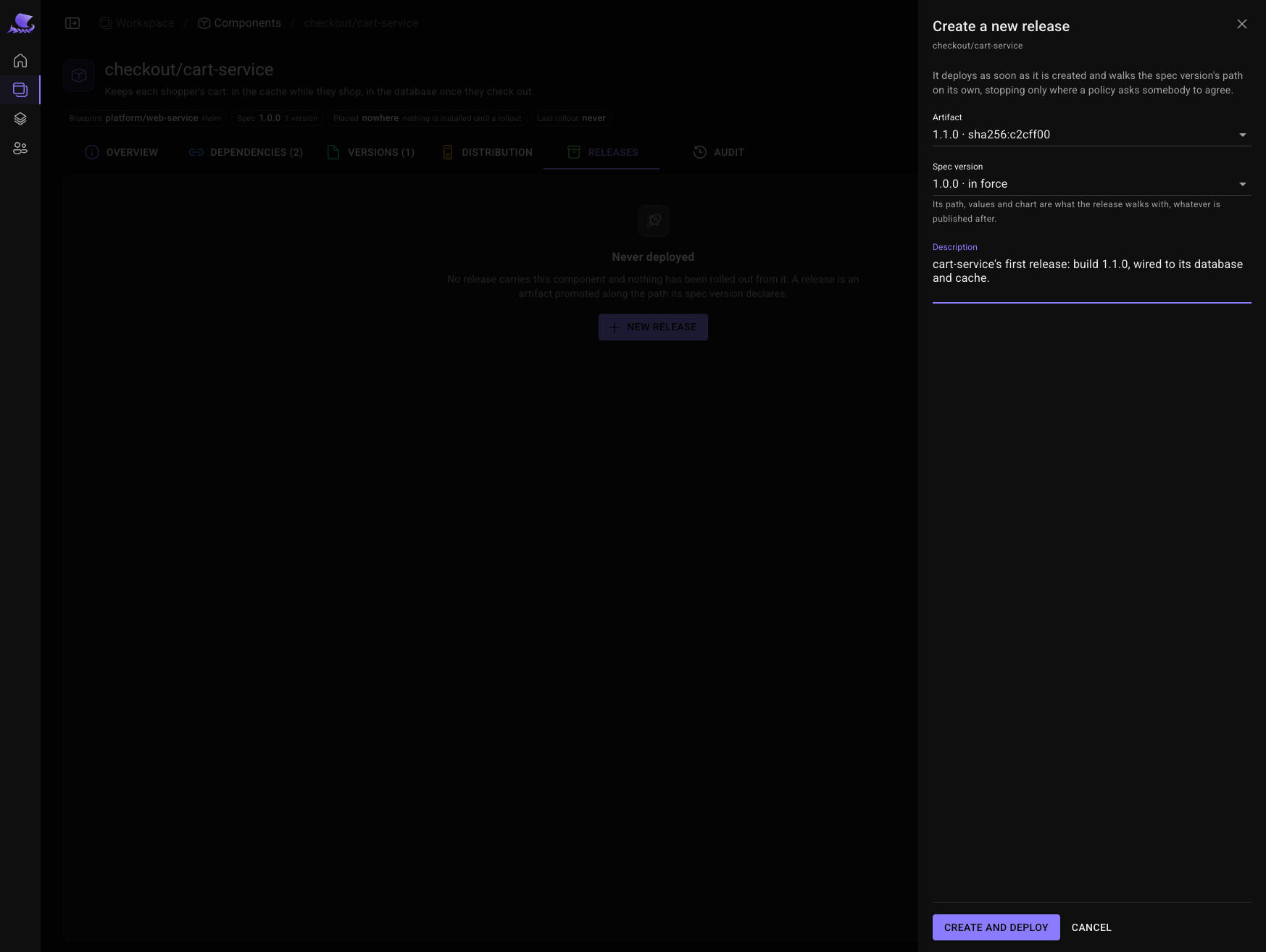
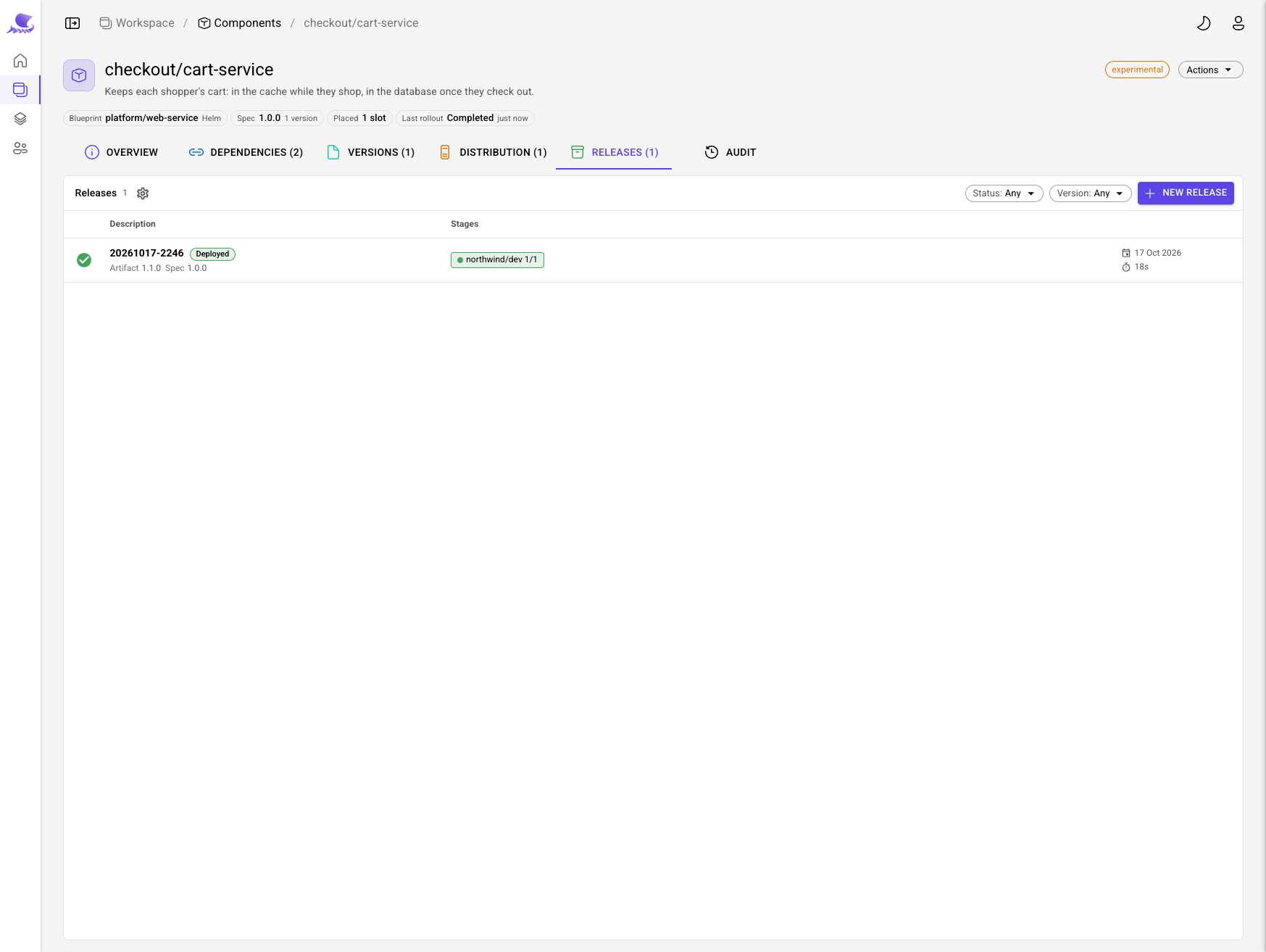
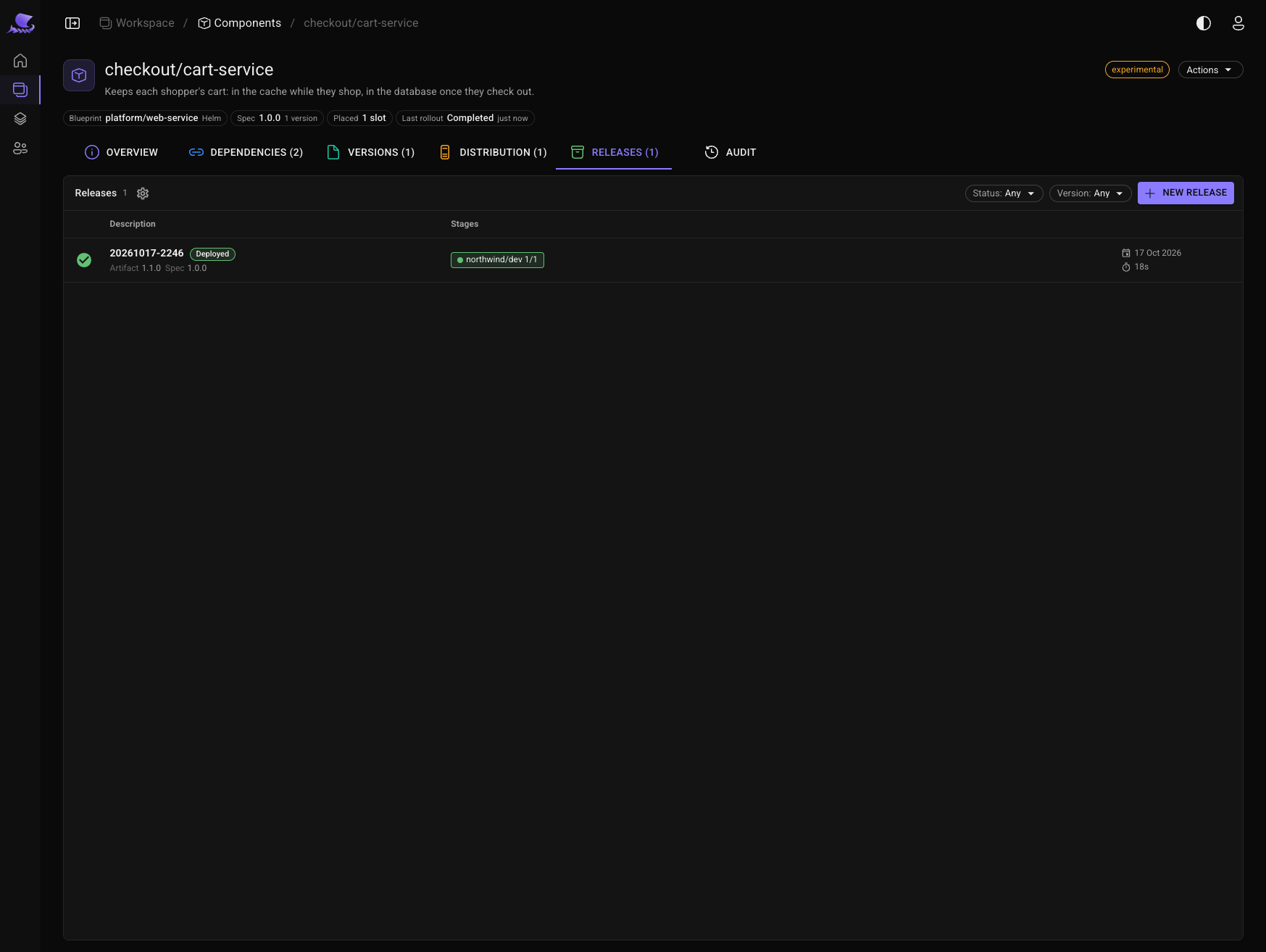
The release walks the spec version's path — one stop, northwind/dev — and deploys.
See it in the cluster
source scripts/k3s-env.sh
kubectl -n eu-west get pods
kubectl -n eu-west exec deploy/checkout-cart-service-eu-west -- printenv | grep -E '^(CART_DB|CACHE)_'
The service is running beside its database cluster and its cache, and it was handed where each one is:
CART_DB_ENDPOINT, CART_DB_URL and CART_DB_SECRET_REF, its credentials as CART_DB_USERNAME and
CART_DB_PASSWORD from the secret the operator wrote, and CACHE_ENDPOINT and CACHE_URL. Nobody typed an
address: the landing zone said which cluster each slot has, the database said where it is, and the binding read it.
Next
- Concepts — the model behind what you just built.
- Environments — slots, waves and leases.
- Configure and ship — specs, releases and promotions in depth.