
People and access
Users, groups, roles and service accounts.
Find these under Organization.
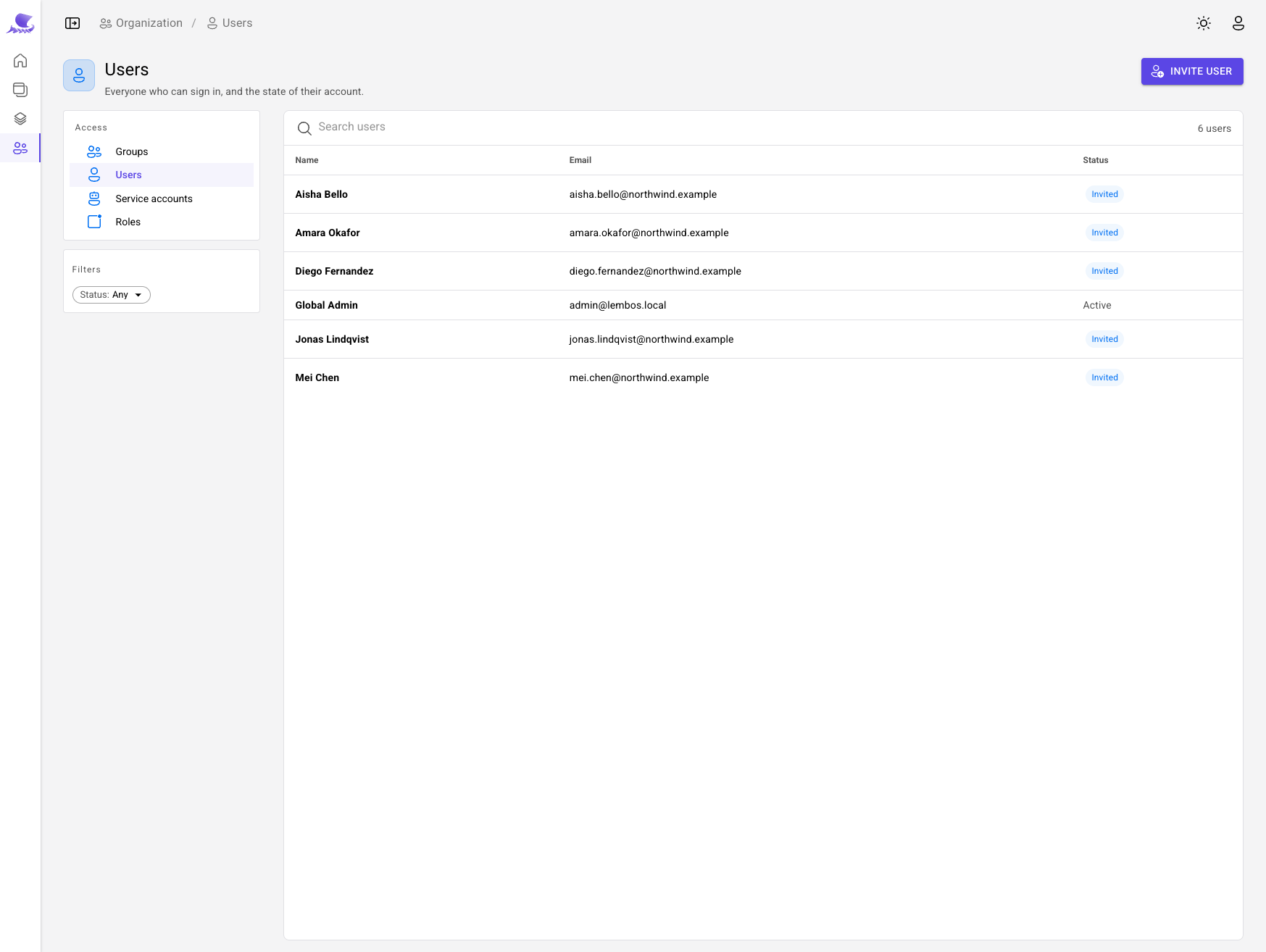
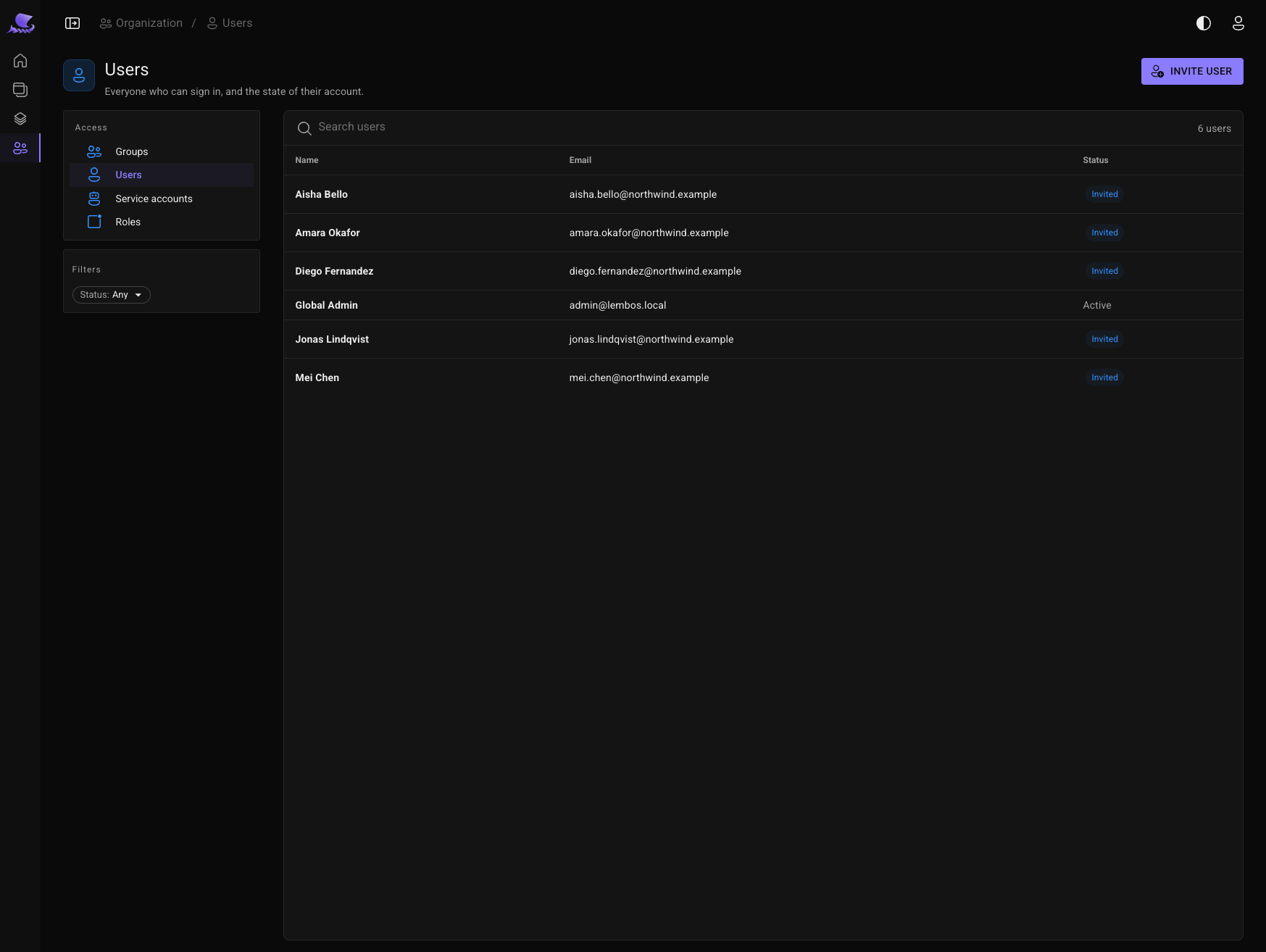
Users
People join by invitation, or by signing in with GitHub if the integration is on. Nobody registers themselves.
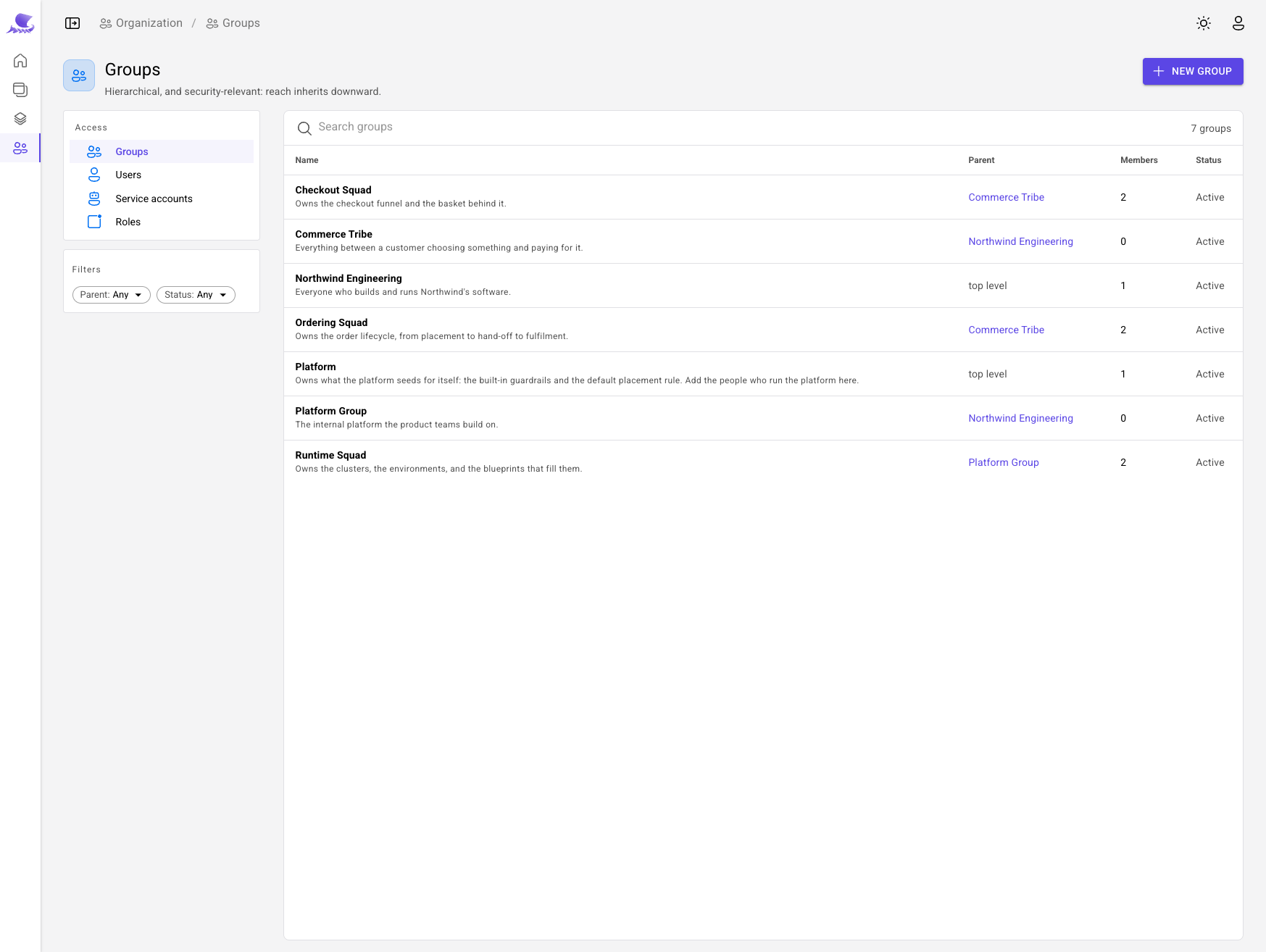
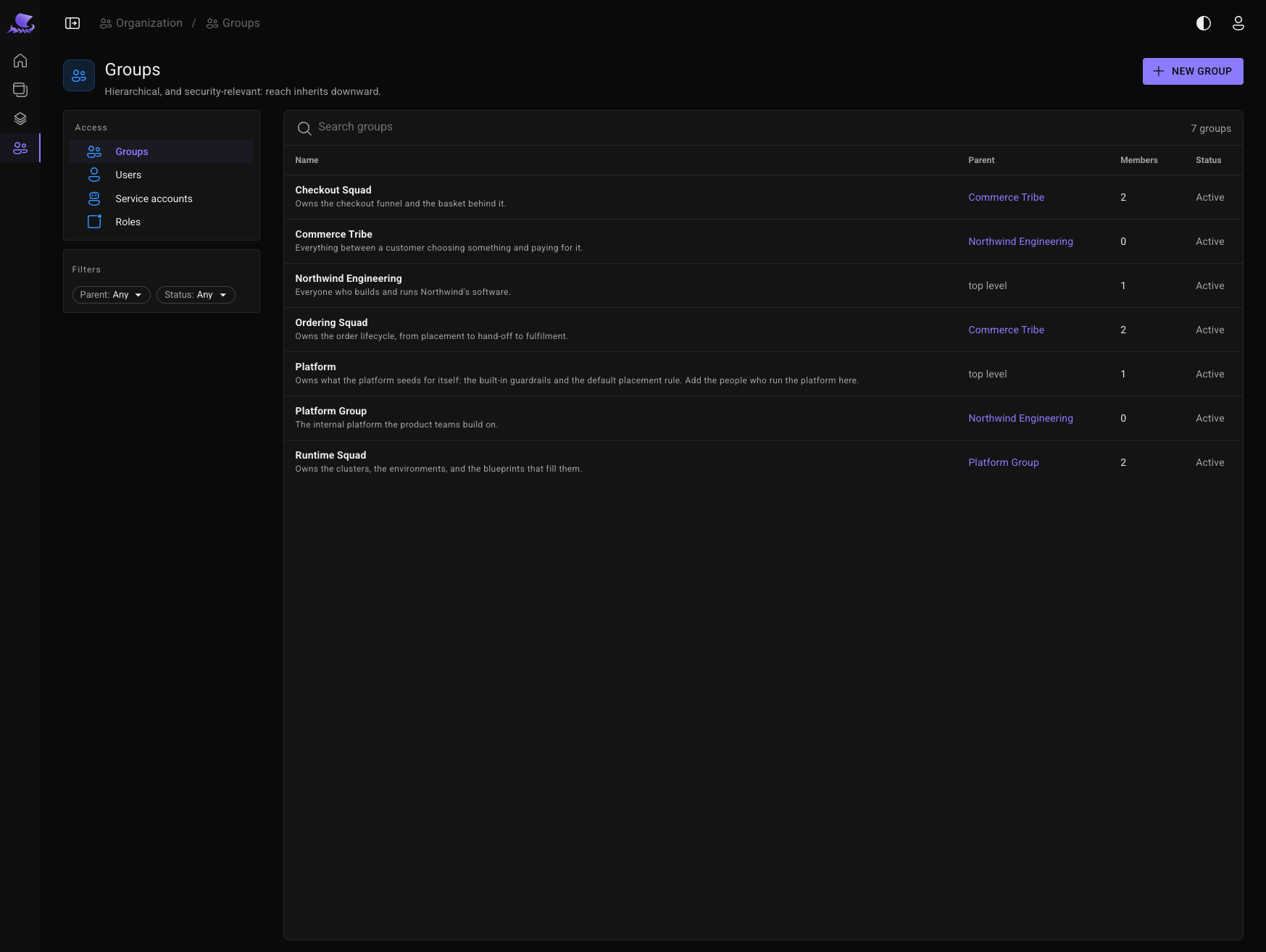
Groups
A group is a team, a department or a project. Groups nest, and they own everything in Lembos: every system, component, blueprint, environment and policy has an owning group.
Membership is how people reach things. A member of a group reaches what that group owns, and what every group beneath it owns.
Roles
A role is a named set of permissions: may this person do this kind of thing at all? Lembos ships three roles for people:
| Role | For |
|---|---|
| Contributor | Product teams: describe software in the catalog, request runs, assemble and promote releases |
| Maintainer | Platform teams: blueprints, execution targets, environments, placement rules and policies — and approving other people's runs |
| Administrator | Everything a person can do, including managing users, groups, roles and service accounts |
You can create your own roles. See Built-in roles for details.
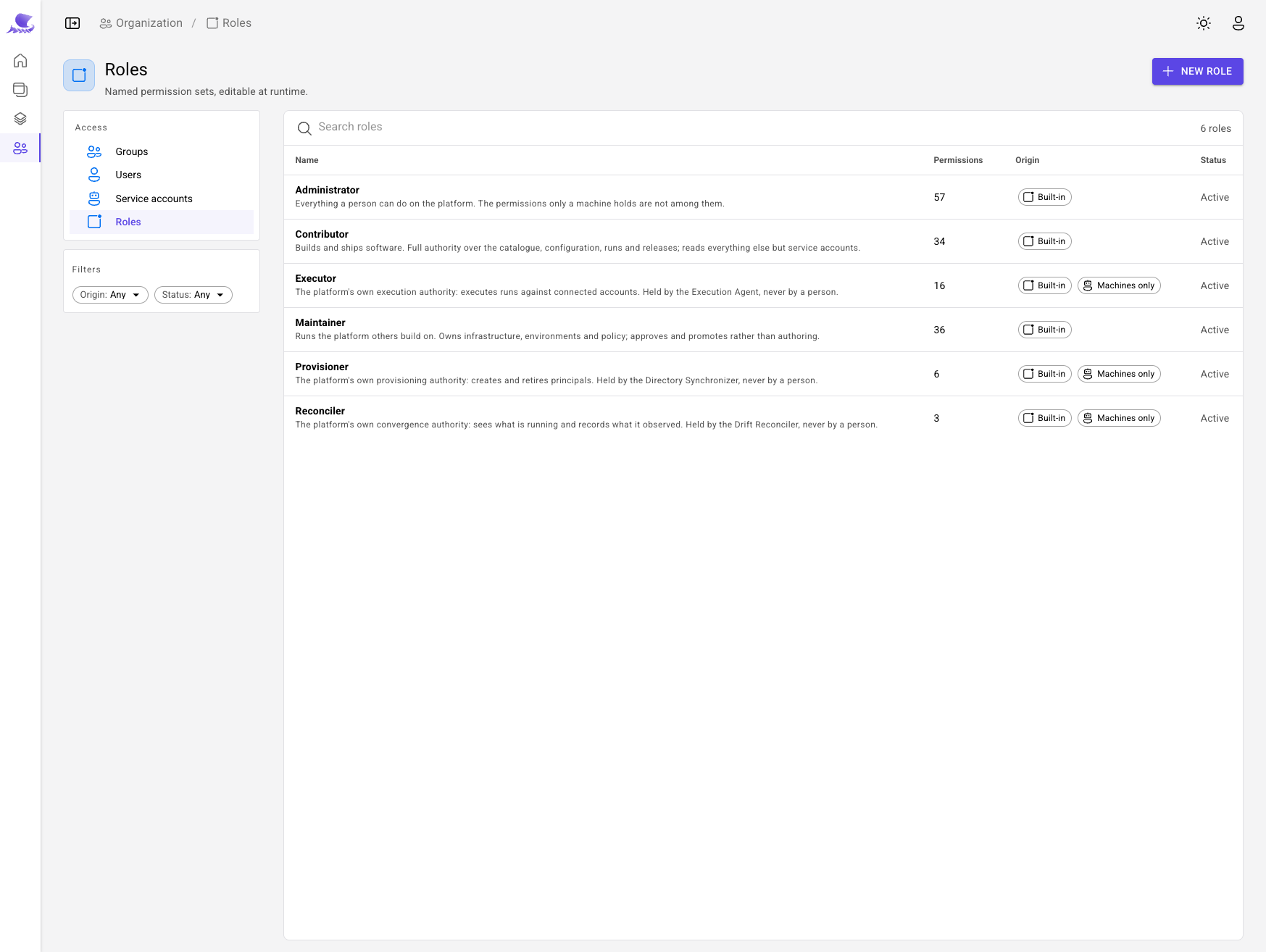
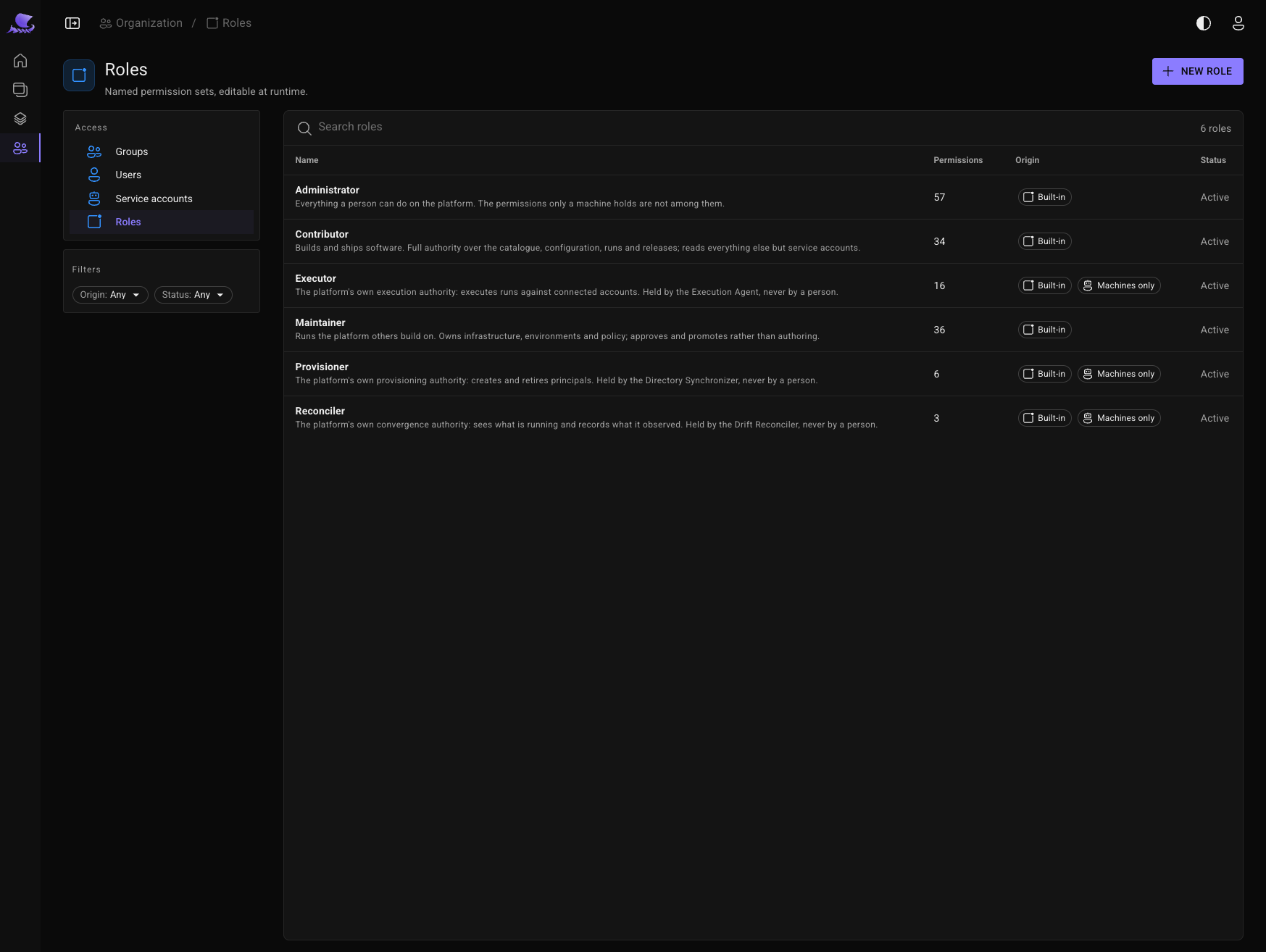
Roles and ownership work together: a Contributor can deploy only what their groups own. And policies add the last check — whether this particular change is allowed now.
Service accounts
A service account is a machine: a CI pipeline, an integration, an agent. It holds roles like a person, but is never a member of a group. Instead it is granted reach over named group subtrees explicitly, so it does not change when teams are reorganised.
When a service account acts on a person's behalf, it can do only what both of them may do.
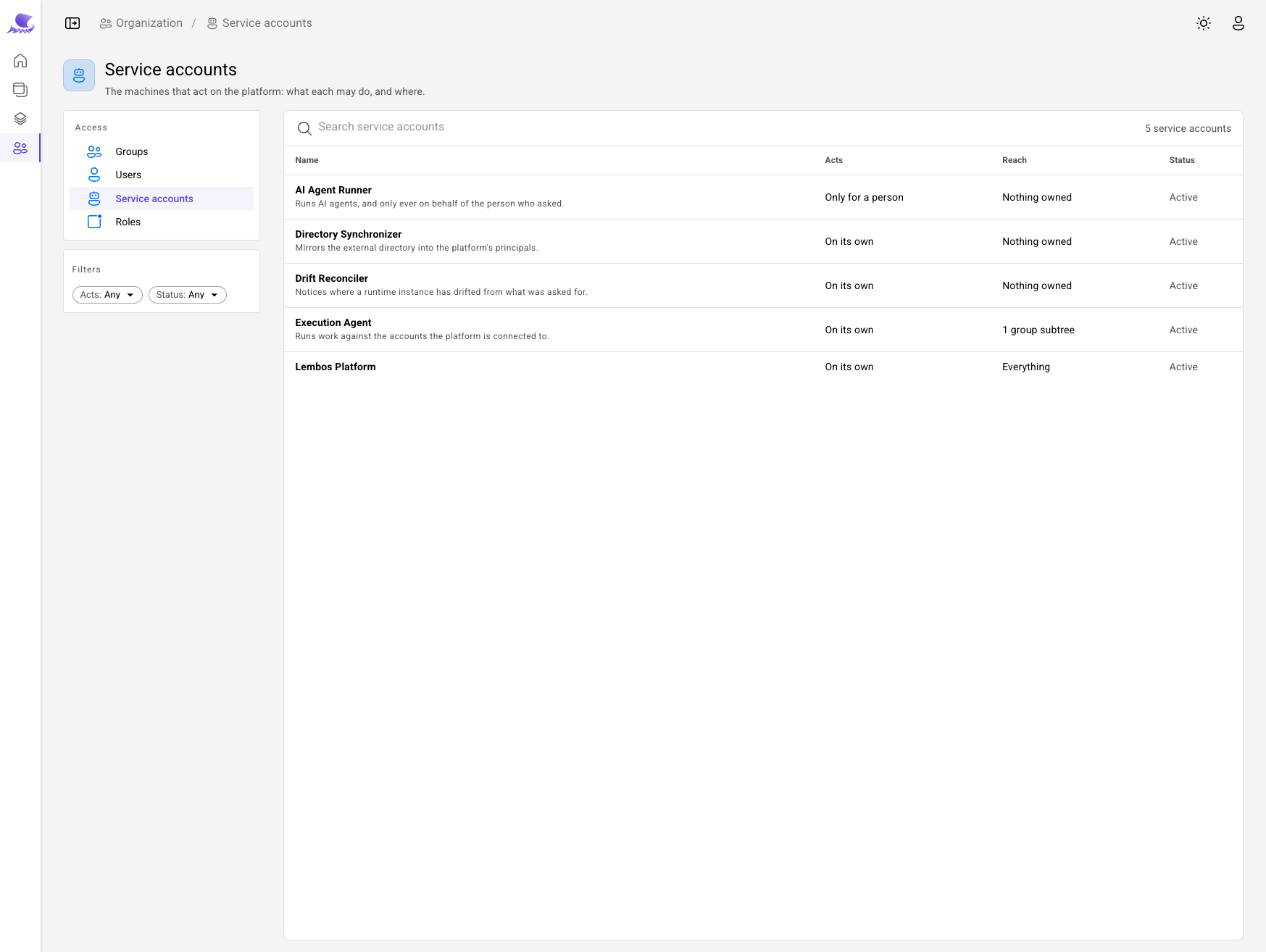
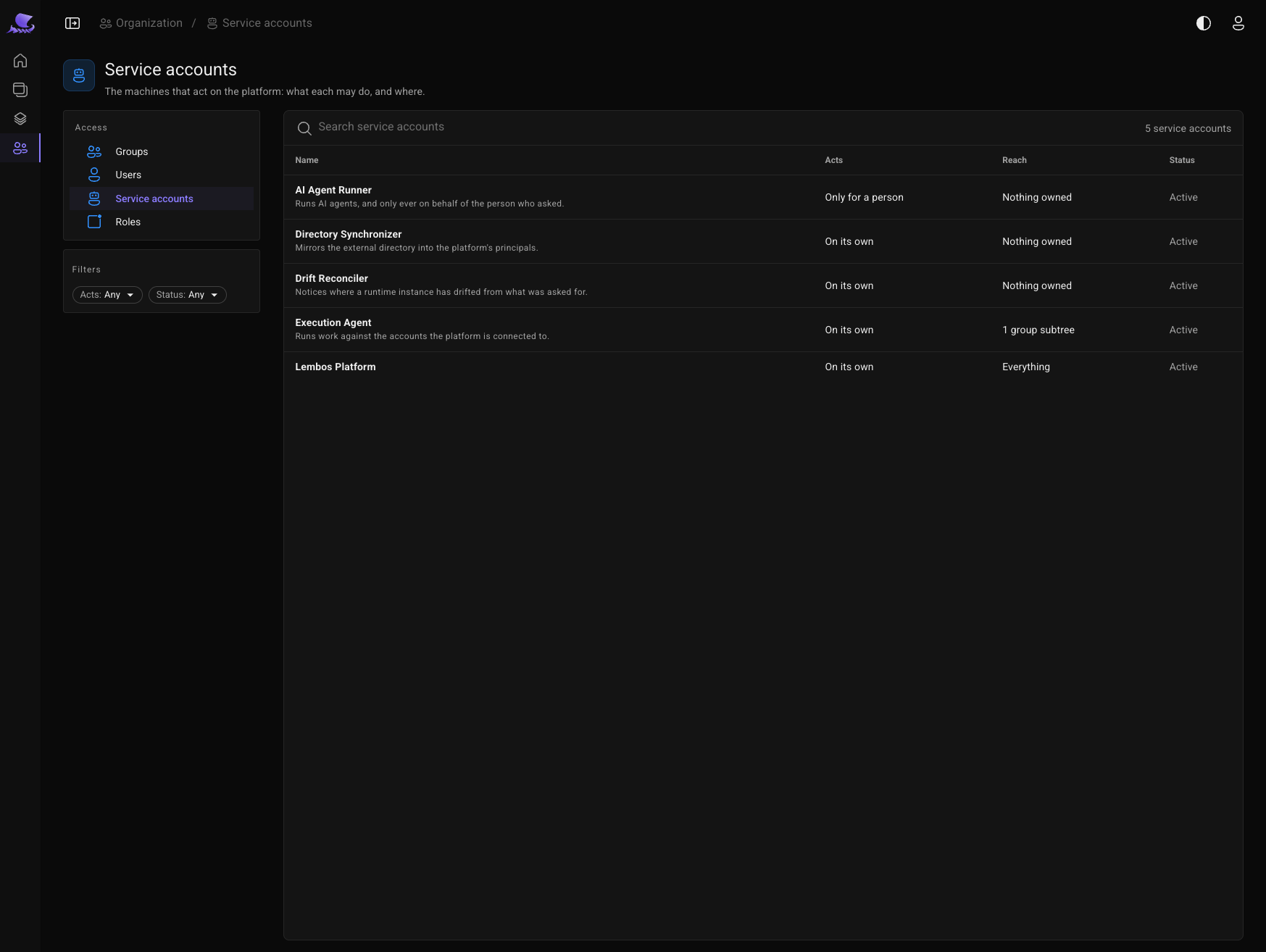
Maintainers and Administrators can see each service account's roles, effective permissions and reach.